Stay Updated
Get the latest insights on creative testing and ad optimization delivered to your inbox.
Get the latest insights on creative testing and ad optimization delivered to your inbox.
Continue reading about this topic with these recommended articles.
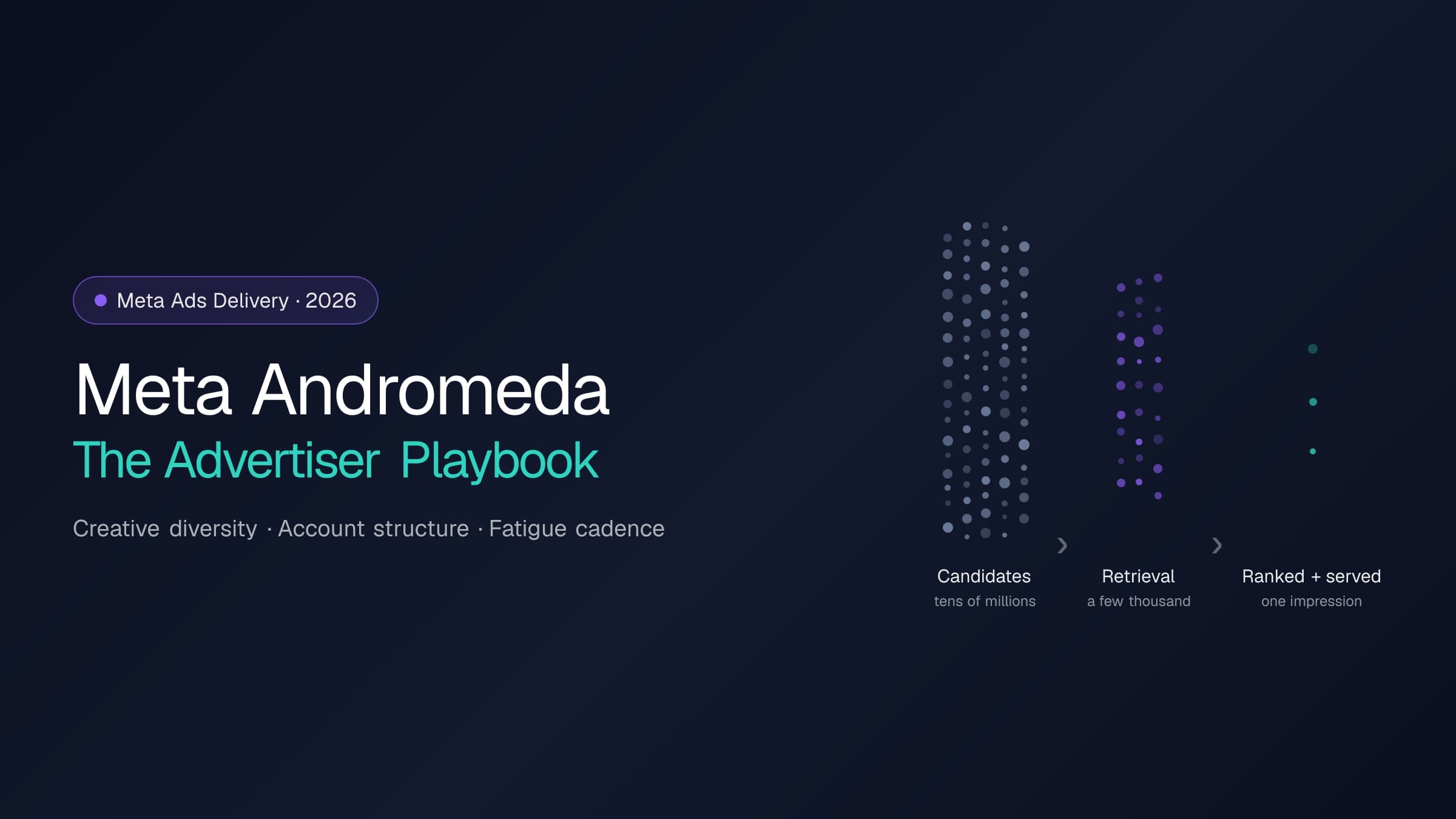
Andromeda rebuilt the retrieval stage of Meta's ads delivery; GEM and the Adaptive Ranking Model rebuilt ranking. Here is what actually changes for an operator: what to feed the system, how to structure the account, and how to run creative rotation — with every platform claim cited to Meta's own disclosures.

AI-powered marketing tools
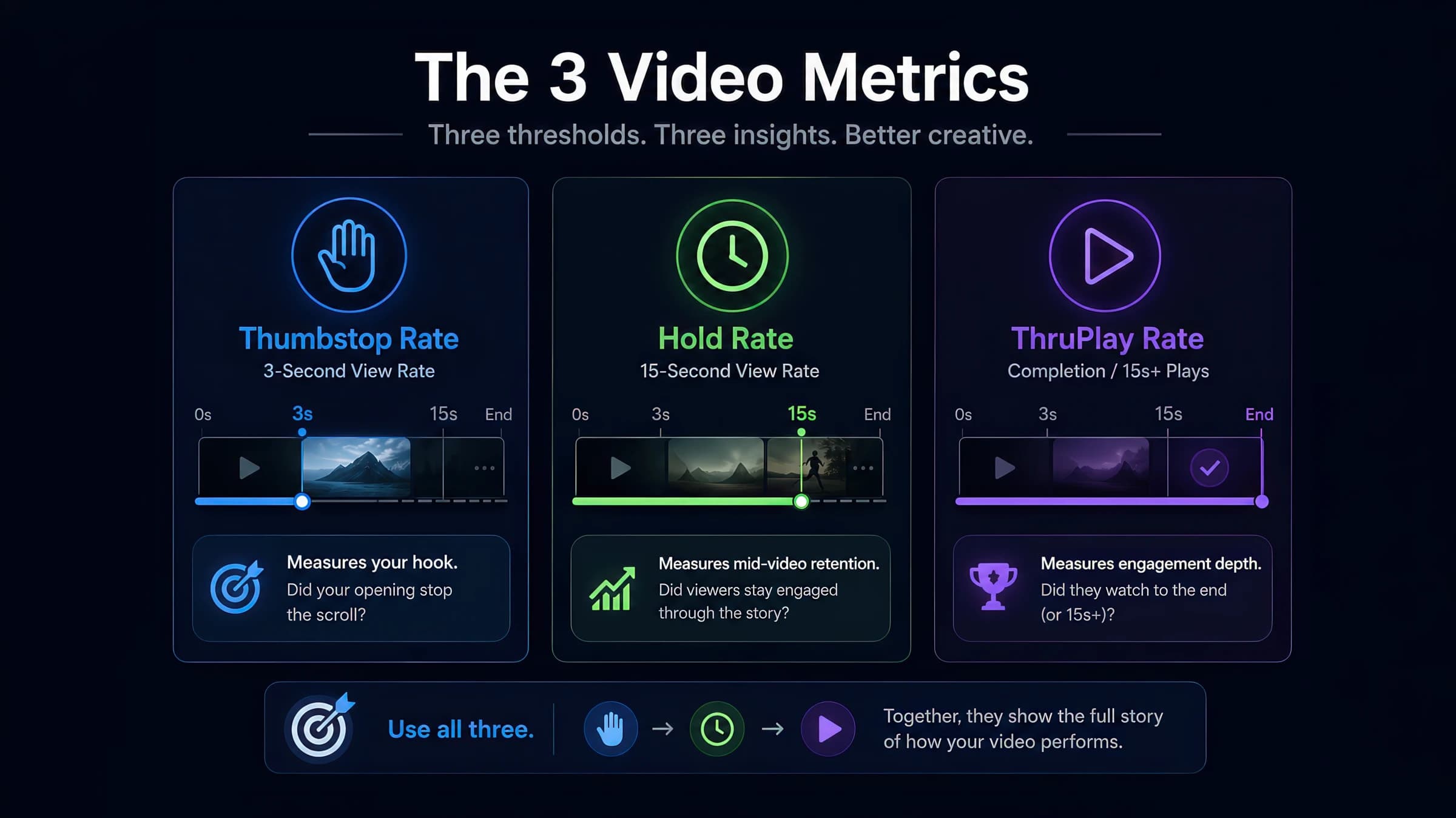
Meta Ads Manager hides the creative diagnostics that matter behind custom columns. This walkthrough shows exactly where to find thumbstop, hold, and ThruPlay — and how to read them without false conclusions.
AI-powered marketing tools
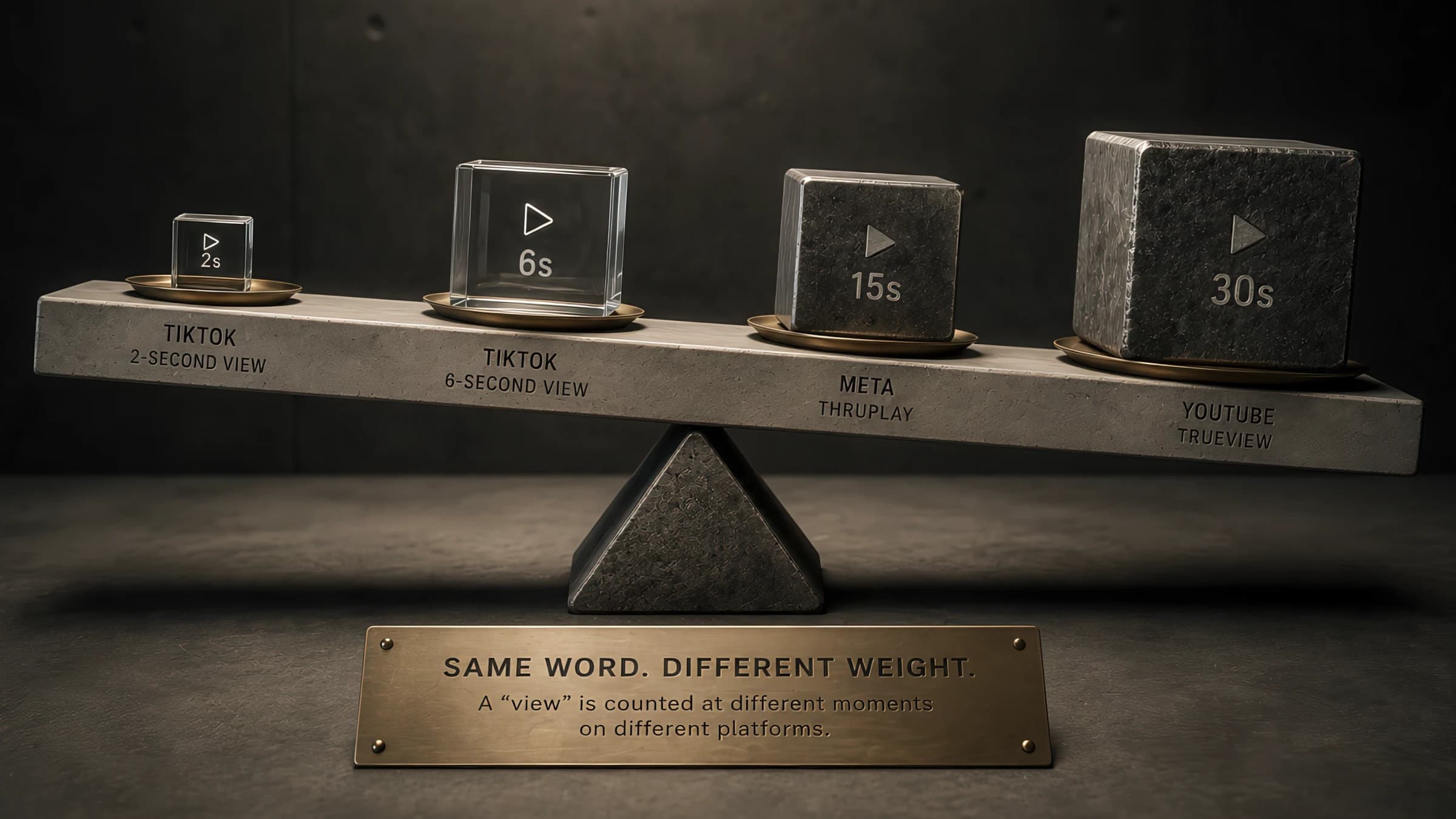
ThruPlay is a Meta-specific term, but the underlying mechanic — counting a view at a specific threshold — exists differently on TikTok, YouTube, and CTV. Here's how the metrics actually compare and where cross-platform benchmarks break down.
AI-powered marketing tools
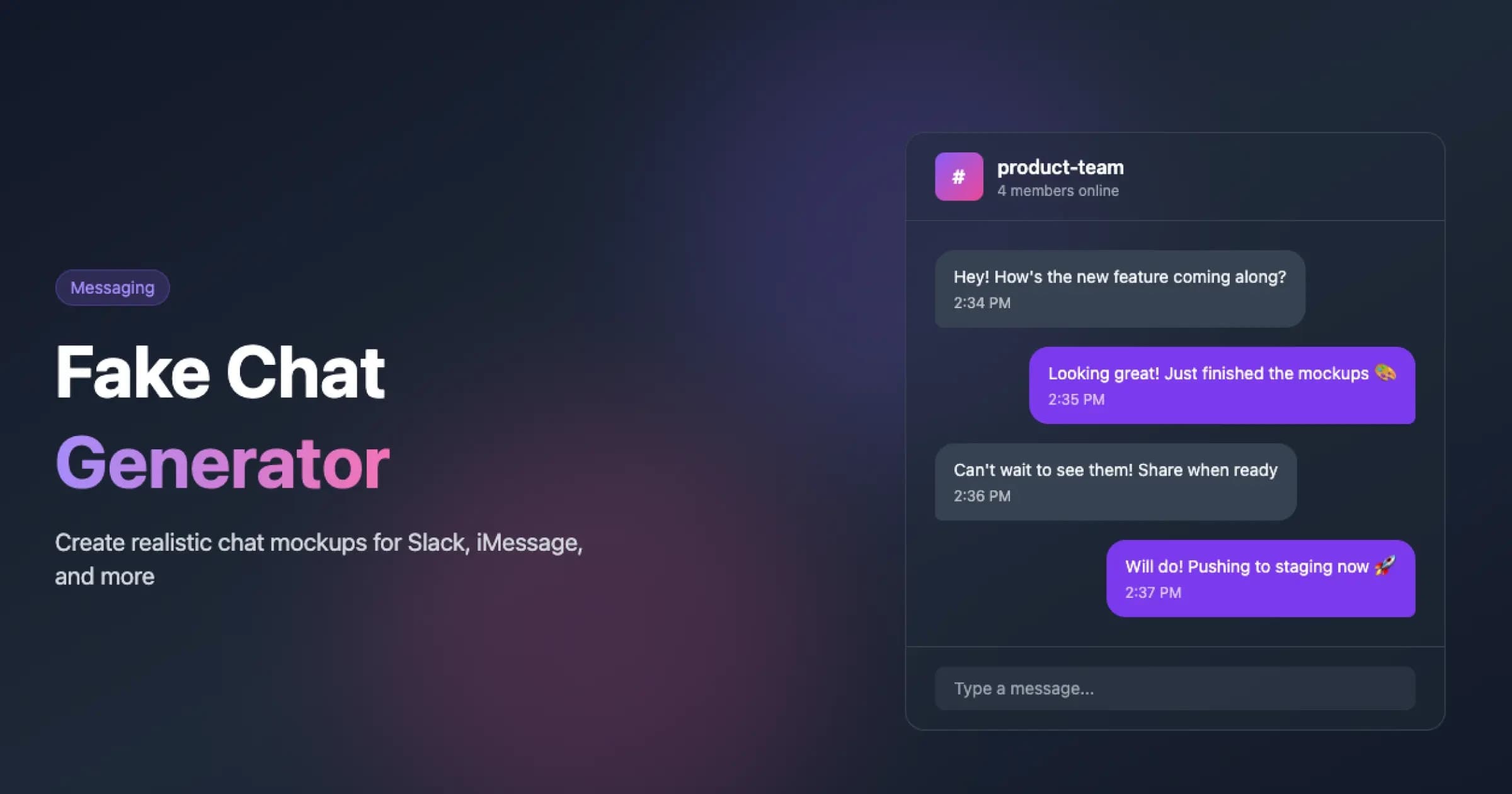
Free fake group chat generator with multi-participant conversations, reactions, and threading. Use it as a fake group chat maker for testimonials, ensemble customer stories, and product social proof — render group chat mockups matching modern messaging UI and download a retina-density PNG with one click.
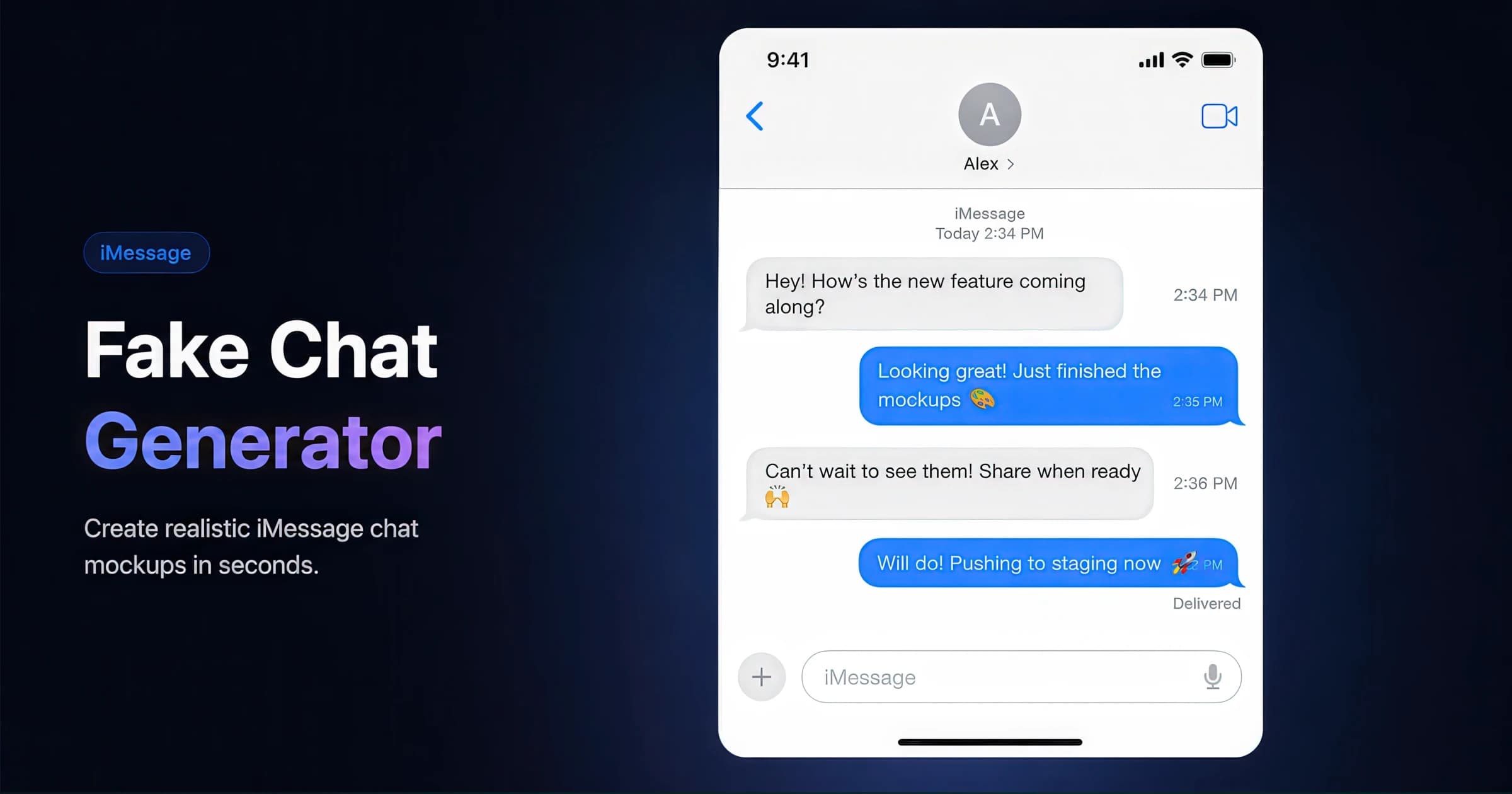
Free iMessage generator for testimonials, customer stories, and product social proof. Customize names, message bubbles, timestamps, and delivery states — render iMessage-styled conversations matching iOS 17/18 UI and download a retina-density PNG with one click.
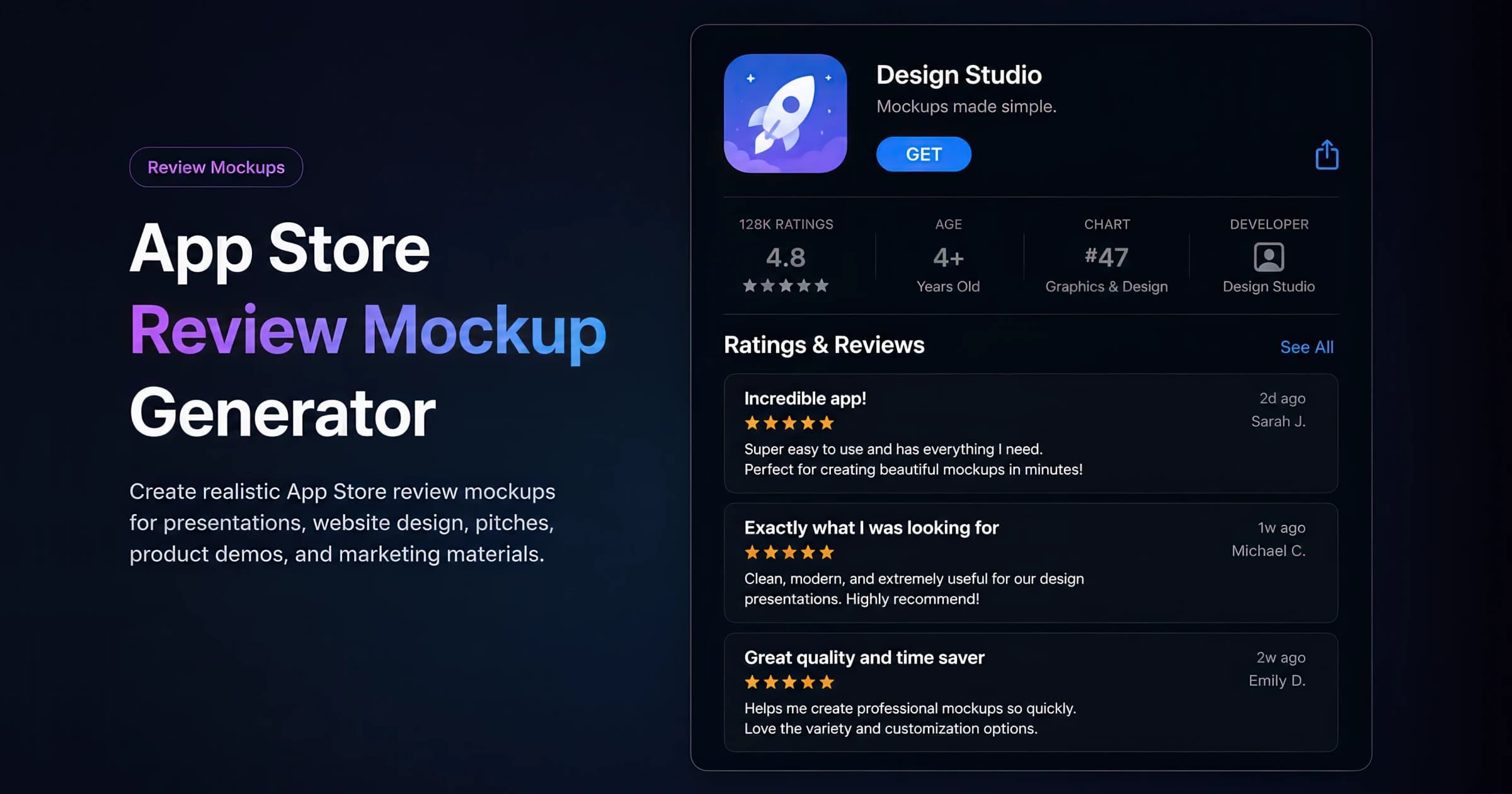
Free App Store review mockup generator for app landing pages, press kits, and social proof. Recreate the full App Store product page — app icon, name and tagline, the ratings/age/chart/developer stat strip, the aggregate rating summary with a star-distribution histogram, and a stack of Ratings & Reviews — then download a retina-density PNG.
In digital advertising, rendering refers to the computational process of generating photorealistic or stylized imagery using 3D modeling, lighting, and texturing software. Unlike photography or filmed content, rendered images offer complete control over every visual aspect and can visualize products or concepts that don't physically exist. This technique enables creation of consistent product imagery, conceptual visualizations, and dynamic animations that would be impractical or impossible to capture through traditional photography.
Direct-to-Consumer (DTC) is a business and marketing model where companies sell products directly to end consumers, bypassing traditional retail intermediaries. This approach enables brands to own the customer relationship, control the shopping experience, and gather first-party data while typically offering better value through reduced distribution costs.
Thumbstop Rate measures the effectiveness of creative in capturing attention by tracking the percentage of users who stop scrolling to engage with the content in their feed for a meaningful duration, typically 2-6 seconds depending on the platform.
A Call to Action is a directive in advertising designed to prompt the viewer to take a specific action, such as 'Learn More,' 'Buy Now,' or 'Subscribe.' Effective CTAs are clear, direct, and visually prominent.
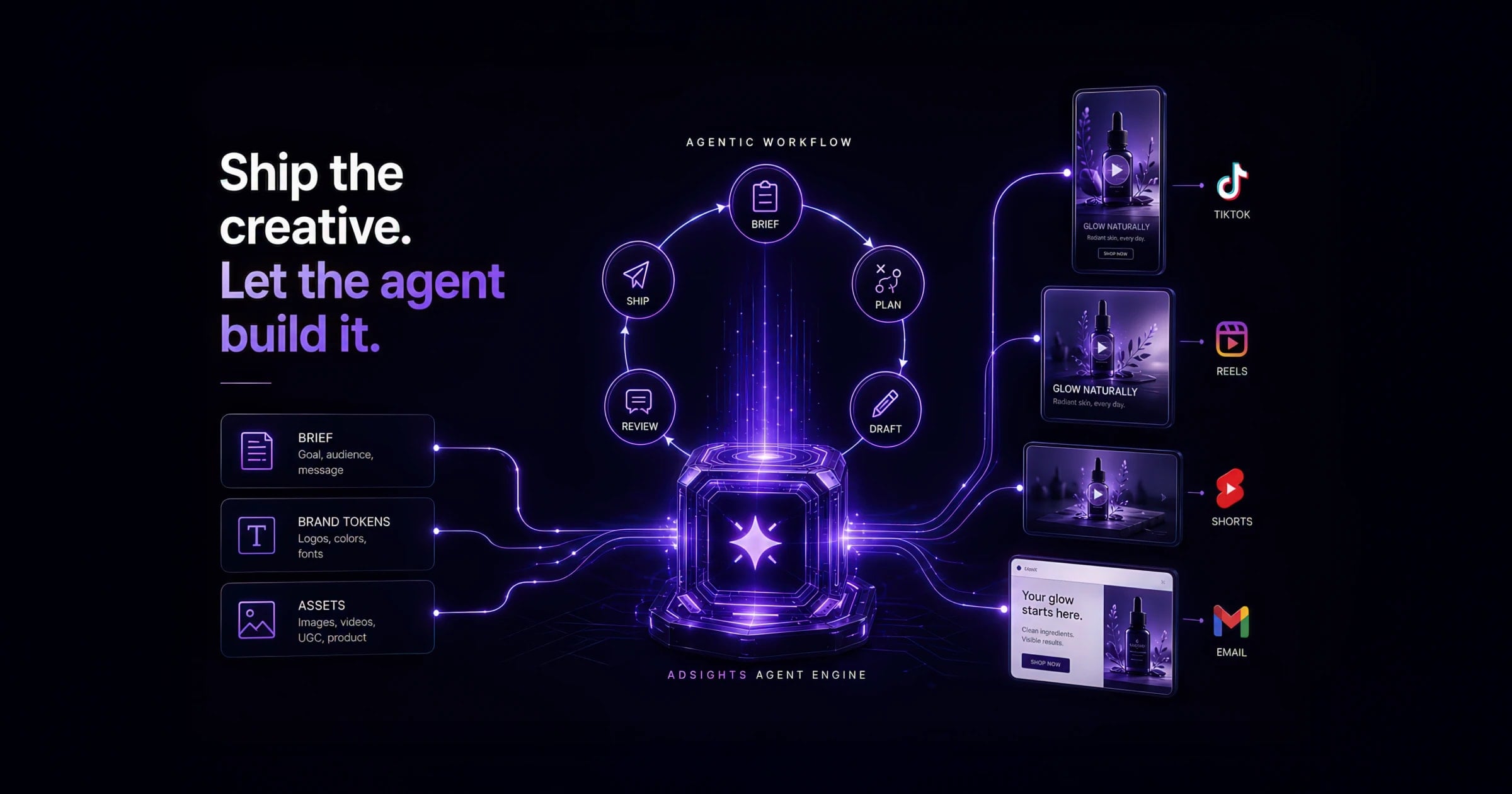
Most teams still edit video ads one export at a time. The AdSights Ads Framework packages compositions, a render CLI, and Claude Code skills so you can generate hook variants and platform sizes from a brief — here's how it works in plain language.
Short answer: the AdSights Ads Framework turns video ads into code you can version-control — compositions, brand styling, and render configs — plus optional Claude Code skills that read a brief and drive variant generation. Explore the storefront at /frameworks or jump to Ads Skills for Claude.
Video is the highest-leverage creative variable on Meta — and the most labor-intensive to iterate. Most teams still:
Agentic video ads change the bottleneck: the ad lives in a project you can update like software, and an AI assistant (via Claude Code skills) handles the repetitive parts — generating copy variants, swapping headline props, queuing renders across sizes, and running basic QA before files reach media buyers.
You do not need to be an engineer to understand the workflow. You do need to be comfortable with a project folder and a render command instead of a drag-and-drop template UI.
Each layer works independently. Teams without Claude Code still get templates and batch export. Teams with Claude Code get the full loop from brief to rendered files.
Imagine a DTC team testing two hook angles and two offer lines on Reels:
Nothing here requires the strategist to learn Remotion APIs. They still own hooks, offers, and kill/scale rules — the framework removes the "one export per sprint" bottleneck.
Before (typical performance team):
After (Ads Framework + optional Claude Code skills):
The strategist's job does not disappear — hooks, offers, and test design still require human judgment. What changes is how many cells you can run before fatigue sets in.
Each cell is one composition render — not a timeline re-export. After upload, score hooks with the benchmark guide segmented by placement; kill variants below ~10% hold at 15s÷3s on cold traffic before scaling spend.
The framework ships 8 ad concepts × 12 format sizes (Feed, Reels, Stories, YouTube pre-roll, and more). Concepts include:
Brand tokens (colors, typography, spacing) codegen from your config so re-skinning a variant matrix does not mean rebuilding frames.
Based on the skills shipped in the framework workspace:
The goal is not "AI makes ads." It is repeatable variant throughput so your creative testing framework gets enough cells to reach significance.
create-adsights-ads, render a single concept at one size, confirm the MP4 in Ads ManagerIf you already have an agency or dev partner on Node/Remotion, they can own layers 1–2 while your team owns briefs and test design.
Agentic generation increases variant volume — which makes measurement discipline more important, not less. Pair the framework with:
High render throughput without experiment design is just faster noise.
Strong fit:
Weak fit:
"Do I still upload to Ads Manager myself?" Yes — the framework outputs files and metadata; upload workflows stay the same unless you wire your own automation.
"Can I change the hook without reopening After Effects?" Yes — hooks are composition props. Update the text binding, re-render, done.
"What if we don't use Claude?" Use the CLI and engine directly. Skills are an accelerator, not a requirement.
"How does this connect to our benchmark stack?" Render more variants → test with pre-defined sample sizes → score winners with the analyzers above. The framework solves production throughput; your testing playbook solves inference.
Term | What it means for marketers |
|---|---|
| Remotion | A way to build video ads with code instead of a timeline editor — think “React for video.” Each ad is a composition with editable props (headline, offer, colors). |
| Composition | One ad concept — e.g. product showcase, before/after, testimonial quote — with slots for copy and brand tokens. |
| Render | Exporting a composition to MP4/WebM at a specific size (9:16 Reels, 1:1 feed, etc.). |
| CLI (ads-cli) | A command-line tool that scaffolds projects and batch-renders without opening an IDE. |
| Claude Code skills | Packaged instructions that tell Claude how to operate your ad project — brief → variants → render → QA. |
| Brand tokens | Your colors, fonts, and spacing rules — applied consistently across every variant. |
Eight ready-made ad layouts — product showcase, before/after, testimonial quote, sale promo, UGC-style talking head, stat reveal, comparison, listicle — each exportable in 12 sizes (Reels, Feed, Stories, YouTube, and more). You change headlines, offers, and product shots in a config file instead of re-editing a timeline.
One command renders every variant in your matrix overnight and drops correctly named MP4s into a folder your media buyer can upload. No After Effects seat required for variant throughput.
If your team already uses Claude Code, packaged skills read a creative brief, propose hook × offer combinations, queue renders, and flag duration, safe-zone, and caption issues before upload. Skip this layer if you prefer manual briefs — the templates and export tool still work.
Variant | Hook prop | Offer line | Sizes rendered |
|---|---|---|---|
| A1 | “Stop overpaying for X” | 20% off first order | 9:16 Reels + 1:1 Feed |
| A2 | “We cut X spend 40%” | 20% off first order | 9:16 Reels + 1:1 Feed |
| B1 | “Stop overpaying for X” |
Task | Manual default | Agentic default |
|---|---|---|
| Hook copy variants | Copy/paste in editing UI | Skill generates N variants bound to composition props |
| Multi-size export | Separate export per aspect ratio | CLI batch render across the 12-format registry |
| QA | Eyeball in a video player | Automated duration, safe-zone, and caption checks |
Takeaways
| Free shipping this week |
| 9:16 Reels + 1:1 Feed |
| B2 | “We cut X spend 40%” | Free shipping this week | 9:16 Reels + 1:1 Feed |
| C1 | UGC opener clip | 20% off | Stories + Reels |
| C2 | UGC opener clip | Free shipping | Stories + Reels |
| Handoff to Ads Manager |
| Manual upload |
| Structured output folder + metadata for media buyers |

