@adsights-ai · Skills for Claude
Adsights Ads Skills for Claude
Eight ad-creative skills you talk to Claude with. No code, no install.
Drop one folder into any project. Type / in Claude and the skills appear — storyboard a video ad, write on-brand copy variants, draft a voiceover script, run an adversarial review, and four more.
By purchasing you agree to our Terms, Software License, Return Policy, and Shipping Policy.
One-time · Lifetime updates · Zip-only delivery · Works in any Claude-capable tool
Storyboard a 15s TikTok
5 scenes, 3s each, social-portrait 1080×1350:
| Scene | Beat | On-screen | Motion |
|---|---|---|---|
| 1 | Hook | "30% off — ends Sunday" | Hard cut, type bounces in |
| 2 | Pattern | Hero product, soft halo | Subtle KenBurns + brand chip |
| 3 | Proof | 3-row testimonial scroll | Vertical marquee, 1.2s/row |
| 4 | Offer | Code SPRING30 + counter | Number flip → hold |
| 5 | CTA | Shop now button + URL | Spring-easing pop, sticky |
What you can ask Claude to do
Each skill is one slash command. Type the command in Claude, give it a brief, get structured output back. No menus, no setup beyond the unzip. Lanes match the workflow — plan, then make, then review.
Plan
Decide what to ship before producing anything.
/ads-quickstartFive-minute starter wizard
First-timer wizard — turns a one-line product description into a complete first ad concept.
claude codeYou/ads-quickstart "premium cold brew for design teams"CI'll set up a first ad. Picking:
- Concept — product-showcase (fits "premium product, single SKU")
- Format — social-square 1080×1080 (default for first ad)
- Brand voice — "calm-confident" (matches "design teams" register)
Rendering now. MP4 + opens at
out/ads/product-showcase__social-square.mp4(~45s).Example output · representative format /storyboardStoryboard a video ad
Shot list + timing + per-scene copy before code. Catches structural problems on paper, not in the edit.
claude codeYou/storyboard a 15s TikTok about our spring sale, urgent but playfulC5 scenes, 3s each, social-portrait 1080×1350:
Scene Beat On-screen Motion 1 Hook "30% off — ends Sunday" Hard cut, type bounces in 2 Pattern Hero product, soft halo Subtle KenBurns + brand chip 3 Proof 3-row testimonial scroll Vertical marquee, 1.2s/row 4 Offer Code SPRING30 + counter Number flip → hold 5 CTA Shop now button + URL Spring-easing pop, sticky Example output · representative format /create-adTurn a brief into a concept
You describe the brief; Claude picks the matching pattern, drafts the copy, picks the format.
claude codeYou/create-ad new running shoes, urban athletes, IG Reel, 15sCScaffolding
compositions/run-shoes-launch.tsxfrom the talking-head-ugc concept.- Hook (0–2s): POV close-up of laces, asphalt blur
- Story (2–11s): Two-cut training montage, brand chip top-left
- CTA (11–15s):"Run today. Shop the drop." + tap target
Open in Studio? Try it at all 4 vertical formats with /multi-size-render.
Example output · representative format
Make
Produce the copy, voiceover, and assets.
/ads-copyWrite ad copy variants
Five ranked headline · subhead · CTA combinations in your brand voice. Tells you which to test first.
claude codeYou/ads-copy "energy drink for shift workers, punchy professional voice"C- 1
Engineered for the back half of your shift.
Specific, no jargon, owns the use-case — outperforms generic 'stay alert' lines in tests.
- 2
Built for hour twelve.
Punchier, gives up some context but reads as confident.
- 3
When 'awake' isn't enough.
Comparative angle, opens room for the product hero shot.
Example output · representative format - 1
/voiceoverDraft a voiceover script
Script paced for the format — TikTok 30s, IG Reel 15s, YouTube pre-roll, CTV 15/30s.
claude codeYou/voiceover 30-second TikTok, narrator-style, ends with a CTAC30s @ 175 wpm ≈ 86 words. Three beats, light pauses for cut points.
[hook · 0:00–0:07]Most coffee gets you through the morning. [beat] We're built for the back half.
[story · 0:07–0:22] One bottle. Cold-brewed twelve hours. Nothing else.
[cta · 0:22–0:30]Try it once. You'll see why design teams keep it in the fridge.Example output · representative format /asset-packOrganize brand assets
Helps you structure logos, colors, fonts, voiceover stems into a clean folder Claude can reference.
claude codeYou/asset-pack help me set up assets for the Acme accountCDetected what's missing in ads.config.ts. Created:
assets/
├── logo-light.svg     ✓ found
├── logo-dark.svg      ✓ found
├── colors.tokens.ts   ↻ generated from brand.colors
├── fonts/             + please drop in Inter + your display face
└── voiceover/         + ElevenLabs voice id wired (see VO setup)
Example output · representative format /multi-size-renderAdapt one ad to every format
When the hero version works, guides the math + cropping for shipping it to all sizes.
claude codeYou/multi-size-render adapt my IG square cut to TikTok and YT ShortsCOne source, three renders. Re-anchoring CTA + crop for each platform's safe area:
- tiktok-vertical 1080×1920 — captions raised to clear the interaction bar; product re-centered.
- youtube-shorts 1080×1920 — same crop, brand chip moved out of the upper-left mute zone.
- social-square 1080×1080 — kept as the source.
Three MP4s in
out/ads/. Open?Example output · representative format
Review
Senior-level critique before flight.
/video-reviewGet a senior creative review
Adversarial review of your cut or script. Catches weak hooks, off-brand decisions, safe-area violations, pacing issues.
claude codeYou/video-review on draft-3 of the spring-sale 15s spotCP1Hook lands at 0:02.4 — too late for TikTok
First brand recognition by 0:01 wins ~38% more retention. Move logo + value-prop cut to 0:00.
P2CTA pill at y=1700 enters bottom-overlay zone
Cuts under TikTok's caption bar at 1080×1920. Raise to y≤1640 or reserve via SafeArea.
P3Headline letter-spacing fights display font weight
Drop tracking from 0 → -0.02em for tighter silhouette.
Example output · representative format
How it works
Three steps. The longest one is the unzip.
- 1
Drop the folder in
Unzip the bundle. Copy the
.claude/folder into the project where you chat with Claude — a campaign folder, your marketing folder, anywhere. - 2
Type a slash
Open Claude Code in that folder. Type
/— the new skills appear in the menu alongside Claude's built-ins. - 3
Give it a brief
Pick a skill, describe what you want in plain language. Claude returns structured output — a storyboard table, ranked copy, a voiceover script, a senior-level review.
Who this is for
You'll get a lot out of this
Creative lead at an agency
You're managing creative for an ad budget, you don't code, and you'd pay $99 once to stop writing the same prompts every campaign. You use Claude (or want to start) and you'd love senior-level review on demand.
- Plan campaigns + write copy + review concepts in Claude
- Want guardrails for safe-area, hooks, pacing
- Ship across multiple formats without redoing the work
You probably want the full Framework
Engineer building creative tooling
You want to automate rendering of MP4s from code, fork concept templates in Remotion, and wire the private-npm-registry workflow into your build. The skills are part of the picture; the engine is what you came for.
- Render finished MP4s automatically from a build step
- Fork concept templates and customize compositions
- Use the private npm registry + starter project
“I don't code and I will never run a render engine, so the $99 bundle was exactly right. It's genuinely just unzip a folder, drop .claude/ into my campaign directory, type / in Claude Code, and the commands are there. /ads-copy gives me five ranked headline/sub/CTA combos and tells me which to test first, which has quietly ended the "everyone has an opinion" meeting. But /video-review is the one I'd pay for on its own — it caught that a hook landed at 0:02.4 (too late for TikTok) and flagged a CTA sitting in the bottom-overlay zone, the kind of note I'd normally wait two days for a senior creative to give. It won't make the actual MP4 — that part's on you elsewhere — but as a planning, copy, and review brain it's replaced a stack of prompts I used to paste every single campaign. Bonus: they credit the $99 toward the full Framework if I ever go that route.”

Rahul Bhardwaj
Sales, Shutterstock
Skills help you plan ads like these
The bundle doesn't include the rendering engine — these are rendered with the full Framework. But the planning, copy, voiceover, and review work happens in Claude using exactly these skills.

SPRING SALE
30% OFF
Sitewide · Free shipping over $50

We shipped six campaigns in the time it used to take to ship one.

Sarah K.
VP Growth · Northwind
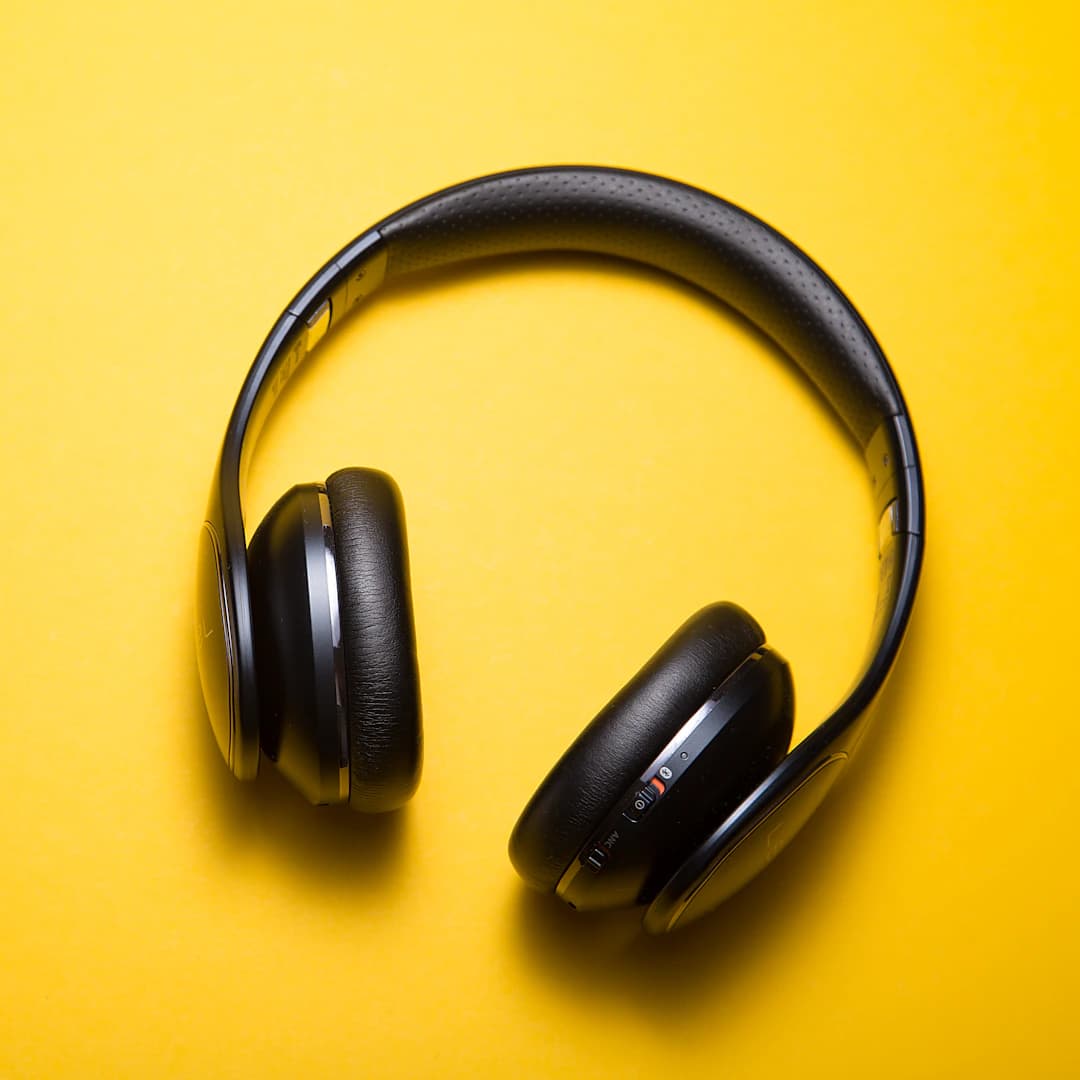
Built for studio days
- 40-hour battery
- Active noise cancel
- Free 30-day returns
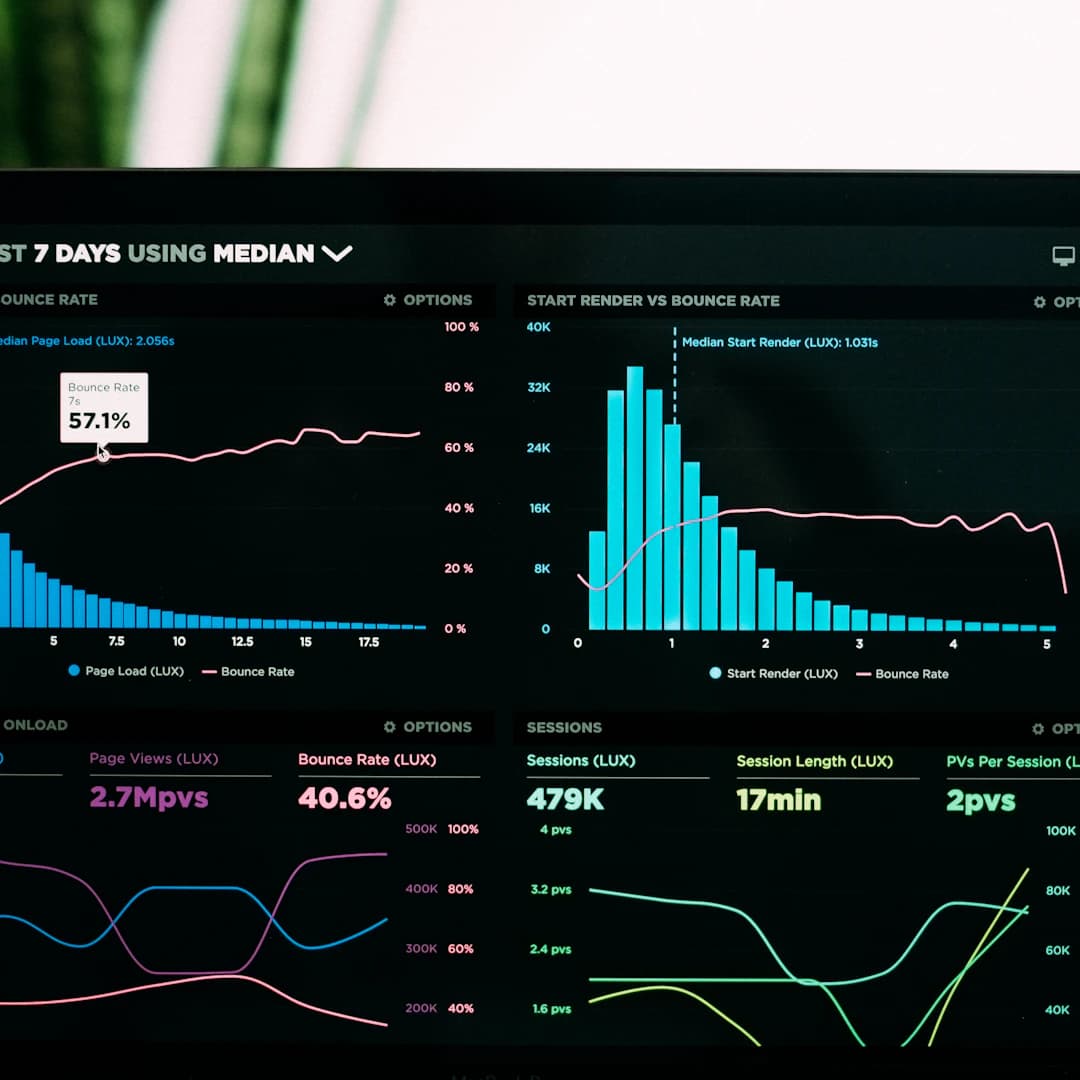
Last 90 days
Verified across 28 paid campaigns.
See the case studyFrequently asked
What do I actually get?
A zip file. Inside is a folder called `.claude/skills/` — eight files (one per skill). You unzip it and drop the `.claude/` folder into whatever project on your computer you use to talk to Claude. The skills then appear as slash commands in Claude (`/storyboard`, `/ads-copy`, etc.) — type `/` and you'll see them in the menu.
Do I need to know how to code?
No. The skills are Markdown files — plain text that teaches Claude how to do specific creative work. You install nothing, run nothing. You just unzip and chat.
What tool do I need to use them in?
Claude Code (the official desktop or CLI app from Anthropic — free). Any other tool that reads the `.claude/skills/` convention also works. Once you've unzipped, opening Claude Code in that folder makes the slash commands available.
How is this different from the full Ads Framework?
The Framework ($199) includes a Remotion-based video rendering engine, a starter project, concept templates, private npm registry access, and the skills. The Skills bundle ($99) is just the skills — perfect if you want to use Claude for the creative-strategy + copy + review work but produce the actual videos elsewhere (Capcut, Premiere, your existing studio, etc.).
Can I upgrade later?
Yes — email support@adsights.ai with your license key and we'll send a discounted upgrade link that credits your $99 toward the $199 Framework price. No double-charging.
Refund policy?
Discretionary. Because the bundle is a zip you've downloaded, we can't actually retract it from your computer — so we treat refunds case-by-case rather than promising a blanket window. If you bought by mistake or hit a real problem, email support@adsights.ai within 7 days of purchase and we'll respond. Outside that window, refunds are unlikely but possible for genuine issues.
Lifetime updates?
Yes. Sign in at /account any time to re-download the latest version of the bundle. The skills evolve as we ship new ones, refine existing ones, and incorporate buyer feedback.
Will this work for written ads / static / display, or only video?
Most of the skills are platform-agnostic. /ads-copy, /create-ad, /ads-quickstart, /asset-pack and /video-review all work for static ads, landing pages, email sequences, scripts — anywhere ad creative happens. /storyboard, /voiceover and /multi-size-render are specifically video-shaped, but you don't have to use them.
Ready to give Claude the skills?
One zip. Eight skills. $99 forever. Lifetime updates included — re-download from your account any time we ship a new version.
By purchasing you agree to our Terms, Software License, Return Policy, and Shipping Policy.
Works in Claude Code today · Discretionary refunds within 7 days
