Stay Updated
Get the latest insights on creative testing and ad optimization delivered to your inbox.
Get the latest insights on creative testing and ad optimization delivered to your inbox.
Continue reading about this topic with these recommended articles.

How animated SVG works in 2026 — CSS vs SMIL vs WAAPI, the inline-vs-img embedding trap, compositor-only performance, reduced-motion, and what's newly possible.

AI-powered marketing tools
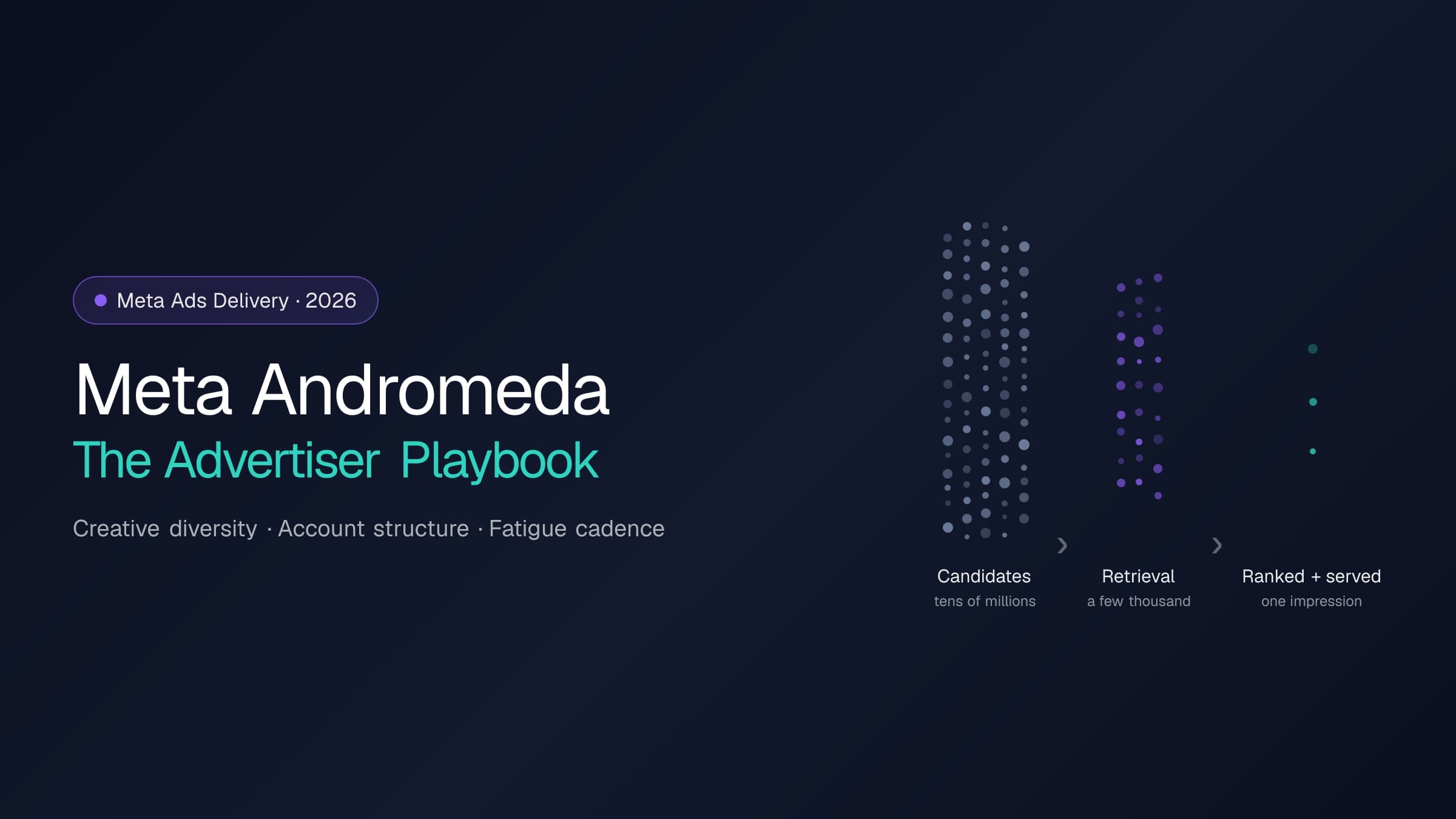
Andromeda rebuilt the retrieval stage of Meta's ads delivery; GEM and the Adaptive Ranking Model rebuilt ranking. Here is what actually changes for an operator: what to feed the system, how to structure the account, and how to run creative rotation — with every platform claim cited to Meta's own disclosures.
AI-powered marketing tools
Meta only flags creative fatigue after cost per result doubles. Catch it 1–2 weeks earlier with frequency, CTR, and CPM thresholds — plus a worked example, detection checklist, and refresh-cadence framework.
AI-powered marketing tools
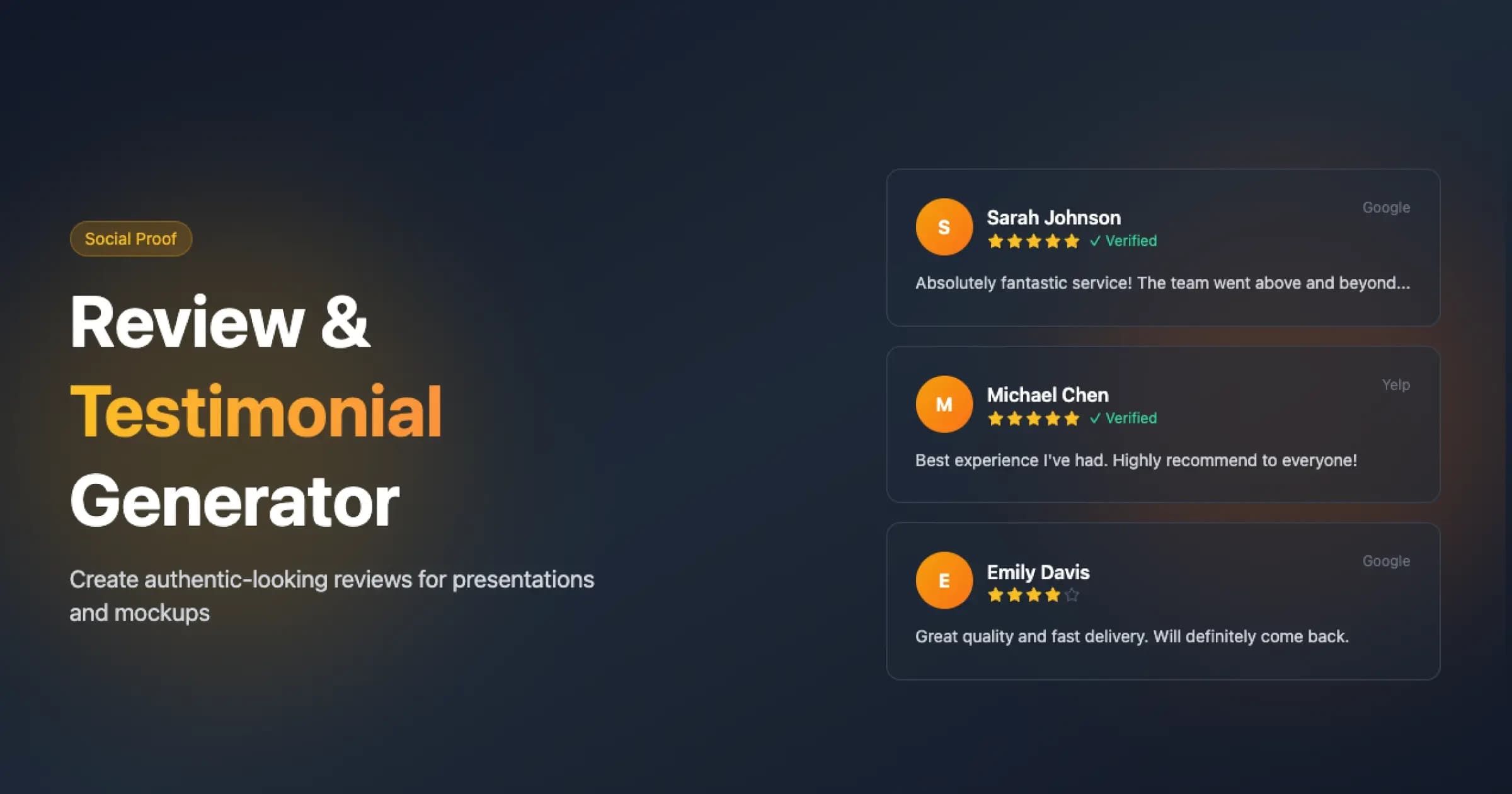
Generate professional review and testimonial mockups for Google Reviews, App Store, and Yelp. Create clean, customizable review visualizations for landing pages, presentations, social proof, and marketing materials, then download a retina-density PNG with one click for your brand assets. Enhance trust and boost conversions with authentic-looking testimonials tailored to your brand.
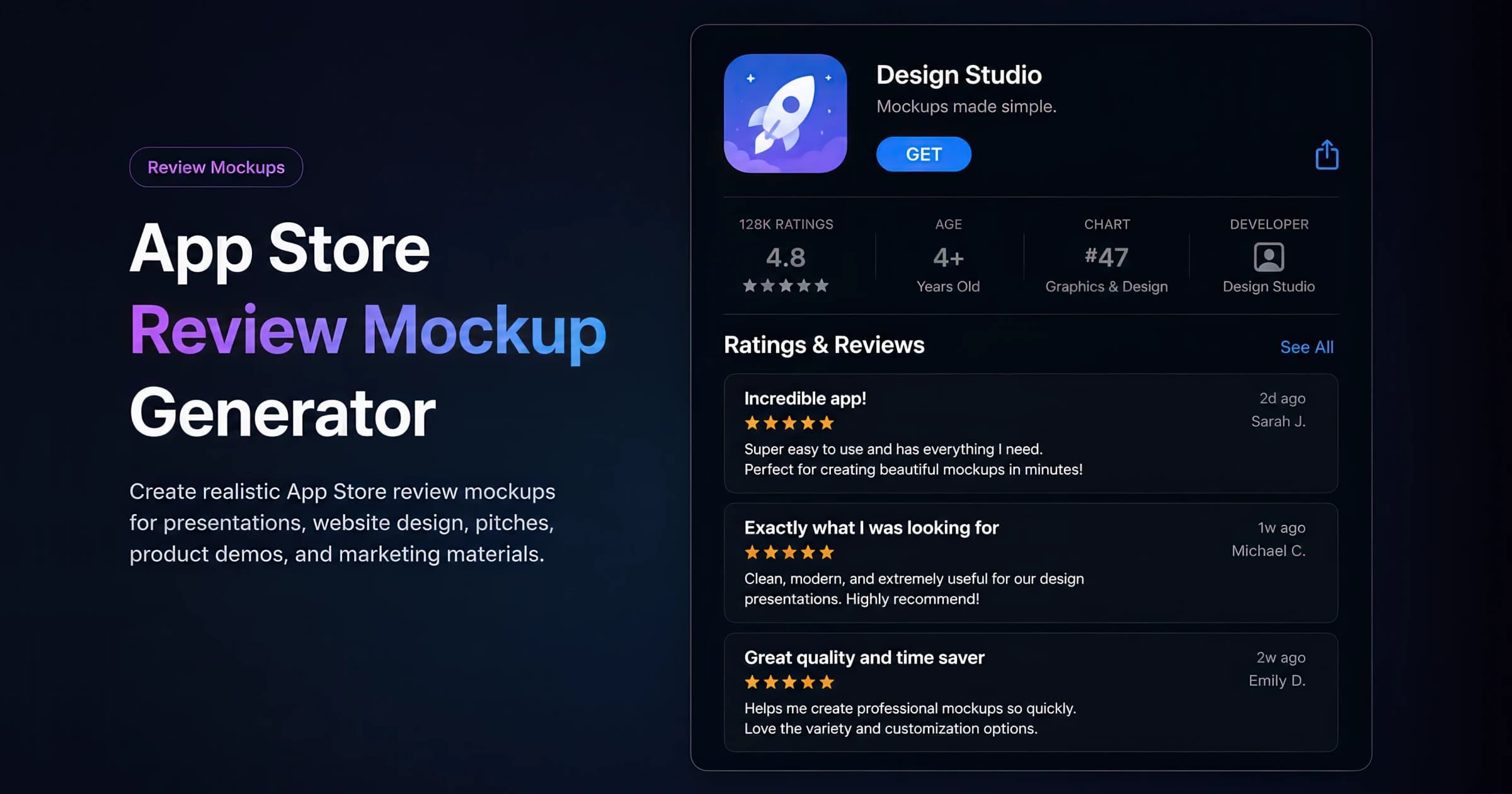
Free App Store review mockup generator for app landing pages, press kits, and social proof. Recreate the full App Store product page — app icon, name and tagline, the ratings/age/chart/developer stat strip, the aggregate rating summary with a star-distribution histogram, and a stack of Ratings & Reviews — then download a retina-density PNG.
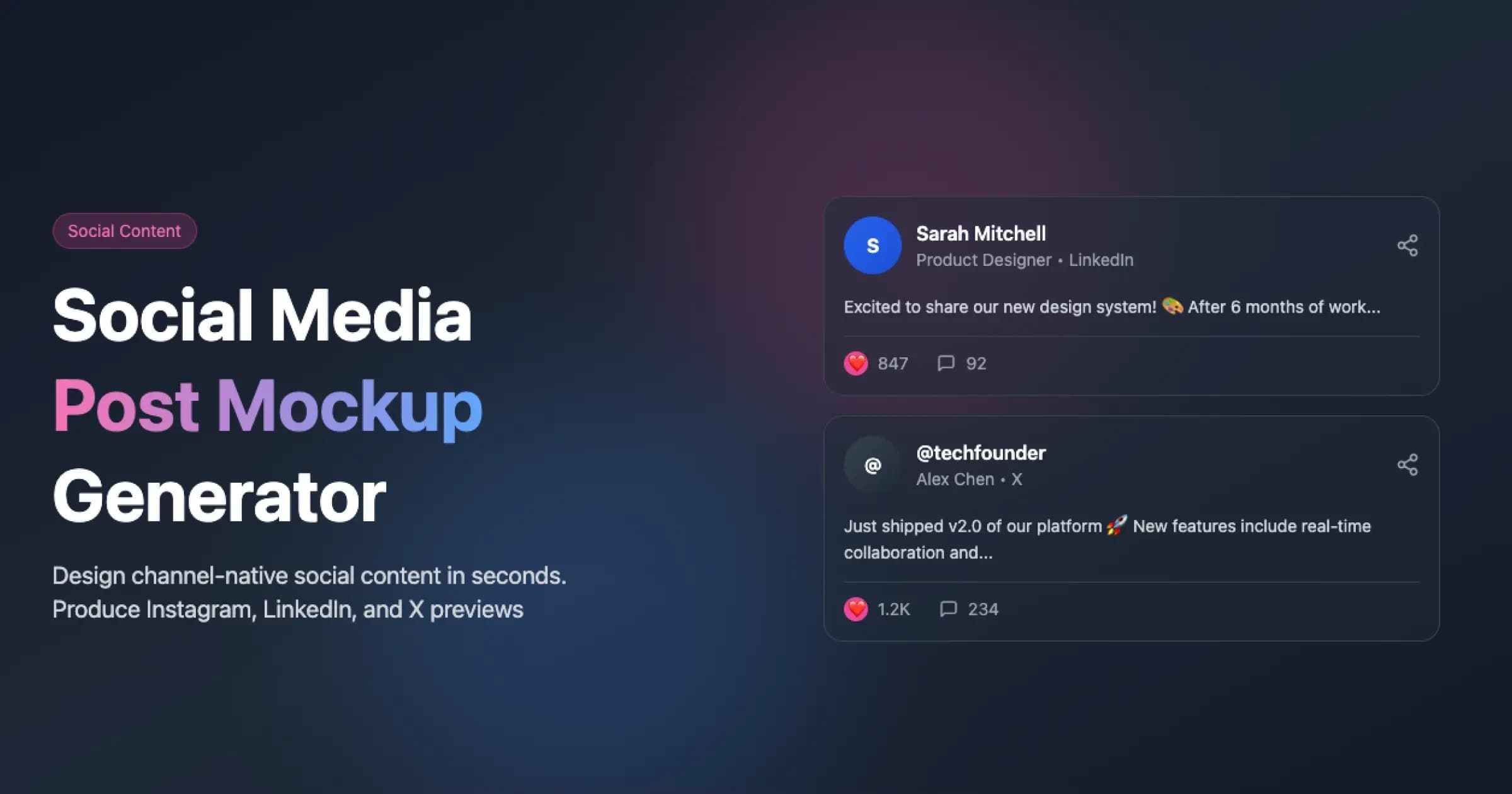
Create realistic, export-ready social media post mockups for Instagram (feed + Reels), Facebook, TikTok, YouTube, LinkedIn, and X (Twitter). Perfect for marketing presentations, client approvals, campaign previews, and portfolio showcases. Customize engagement metrics, branding, and layouts to match your brand identity and boost social proof.
Social proof is a fundamental psychological principle where individuals determine appropriate behavior and decisions by observing the actions, experiences, and validation of others. In marketing and advertising, it manifests through multiple forms of evidence demonstrating widespread acceptance or success of a product, service, or brand. This includes verified customer reviews, detailed testimonials, transparent usage statistics, credible expert endorsements, recognized certifications, and measurable social signals. The principle operates on the documented observation that people rely heavily on others' experiences to assess value and trustworthiness.
A testimonial is a documented statement from a verified customer describing their specific experience, results, and satisfaction with a product, service, or brand. Effective testimonials combine concrete details, measurable outcomes, and authentic emotional elements to build trust and credibility. They can take various forms including written statements, video interviews, or social media posts, and may be either organic (UGC) or facilitated through customer outreach.
Business-to-Business (B2B) refers to business conducted between companies, rather than between a company and individual consumers. B2B marketing focuses on the needs, interests, and challenges of individuals who are making purchases on behalf of their organization, rather than for personal use.
Product-Led Growth (PLG) is a go-to-market strategy in which the product itself is the primary driver of customer acquisition, conversion, expansion, and retention — minimizing reliance on traditional sales and marketing. Users experience the product's value directly through free trials, freemium tiers, and self-serve onboarding before (or instead of) talking to a salesperson, and viral and usage-based loops drive organic adoption. PLG represents a shift from selling the product to letting the product sell itself, and is the dominant motion among modern SaaS companies.
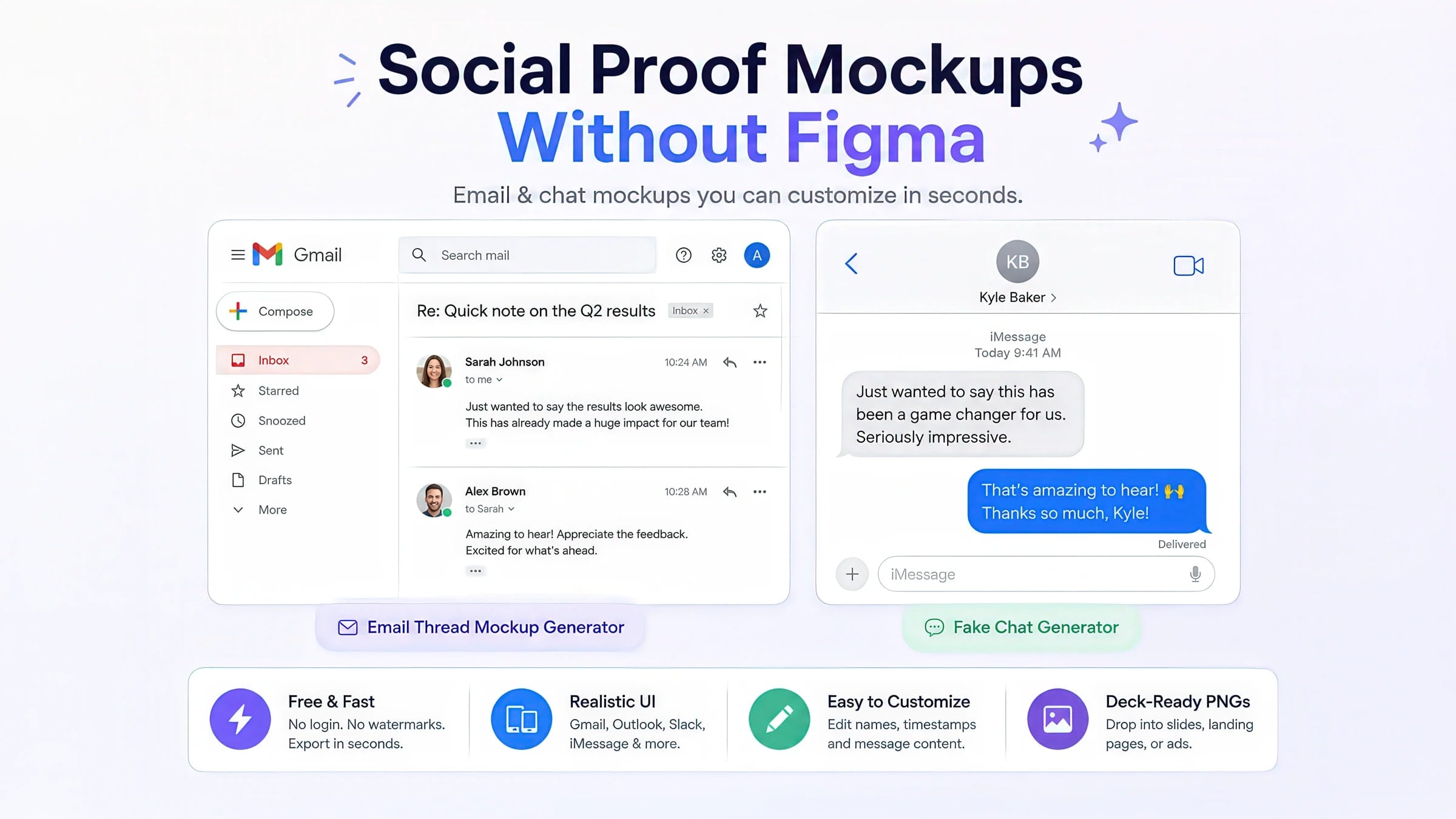
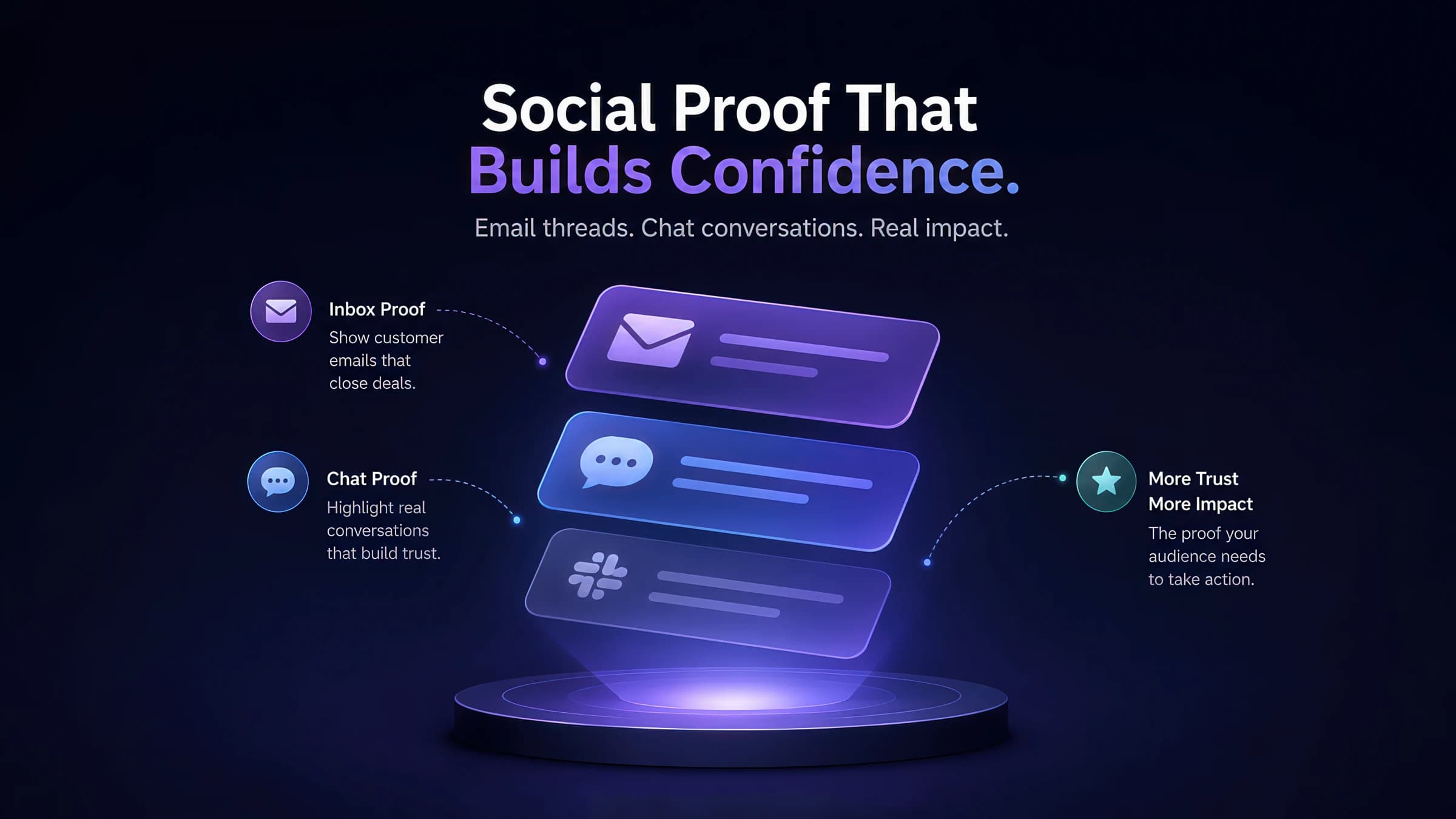
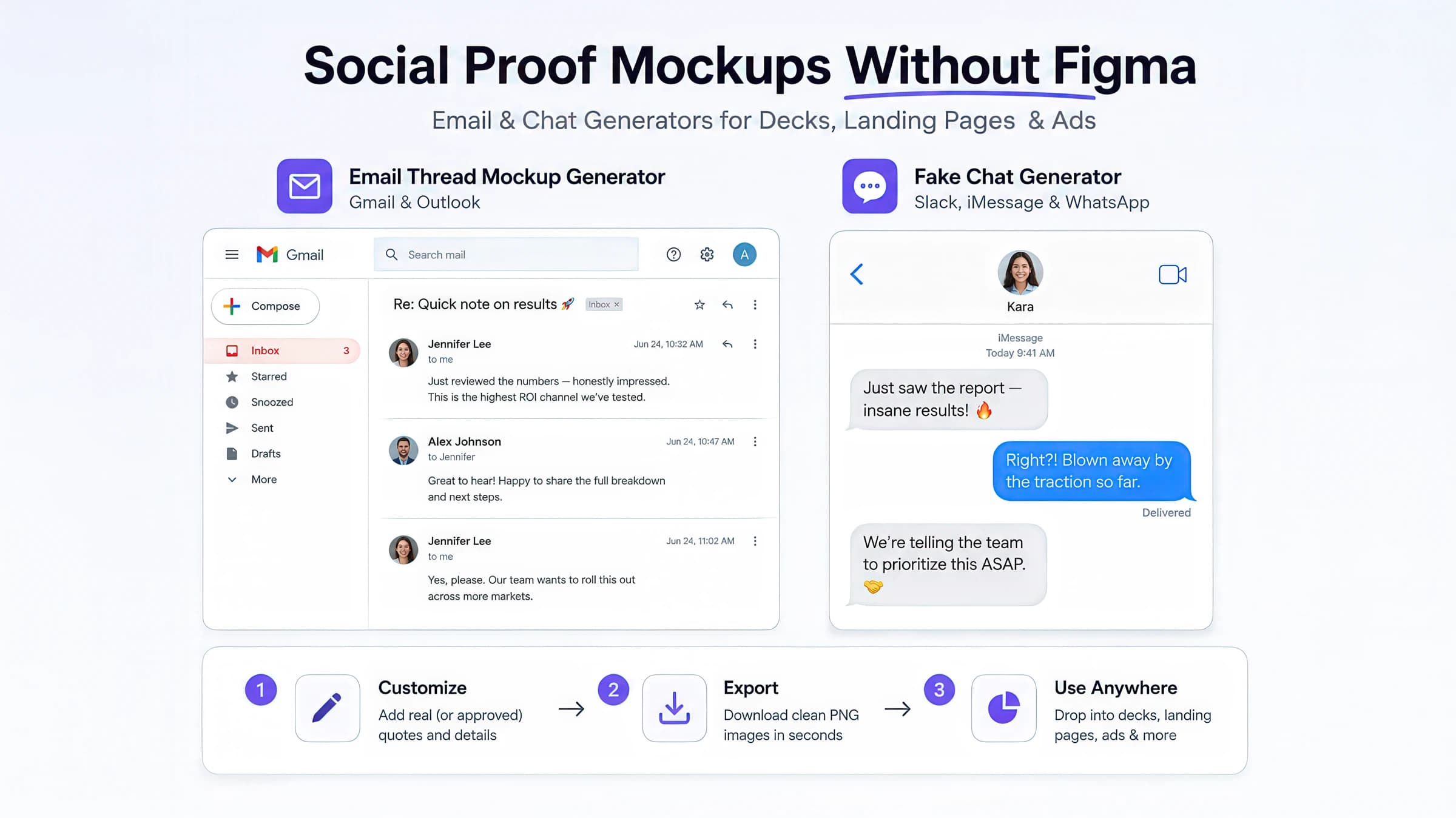
Case-study decks need inbox and chat proof fast. Use free email-thread and fake-chat generators to build Gmail, Outlook, Slack, and iMessage screenshots — no design file required.
Short answer: open the Email Mockup Generator for inbox proof — or jump straight to the dedicated Gmail Email Mockup Generator when the whole story lives in Gmail — and the Fake Chat Generator for Slack, iMessage, or WhatsApp screenshots. Customize copy, export PNGs, drop them into your deck. All three are free, browser-based, and live in the Social Proof & Creative Mockups hub.
Growth and performance marketers rebuild the same slide every week: a customer quote, an inbox screenshot, or a Slack thread that makes the outcome feel real. Figma works when you have a design seat and a reusable template. Most teams do not — they have a case study due tomorrow, three stakeholder names to swap in, and no time to hunt UI kits.
These generators exist for that workflow: open → paste real (or approved) quotes → export PNG → drop into Keynote, Google Slides, Webflow, or a Meta static ad. No watermark, no login wall.
Figma is excellent for product UI. It is slow for repeatable social proof:
The workflow we optimized for: open → paste quotes → export → present. That is what the generator cluster is built around.
If the goal is credibility through familiar UI, inbox and chat screenshots outperform a generic testimonial block — viewers recognize the format instantly.
Generic pull-quotes in a colored card are easy to skim past. Inbox and chat UI triggers format recognition — the brain reads it as “real correspondence,” not marketing copy. That maps to how B2B buyers use social proof early: Apollo’s outreach research notes ~79% of B2B buyers rely on social proof during vendor evaluation, often before first sales contact.
For landing pages, Credibly’s testimonial guide recommends contextual placement — proof adjacent to the feature or objection it resolves — over a footer “wall of love.” Email and chat mockups fit that pattern because you can place a Gmail thread beside pricing (external validation) and a Slack thread beside onboarding (internal adoption) on the same slide.
What the research does not support: fabricating UI proof without permission, or stacking five unrelated testimonies in one viewport. FoundryCRO’s 2026 benchmark synthesis notes diminishing returns past ~3–5 proof types on a single page — pick the one format that answers the visitor’s immediate doubt.
The Email Mockup Generator targets the "I need a believable inbox screenshot in five minutes" moment. If the whole story lives in Gmail, the dedicated Gmail Email Mockup Generator boots straight into the Gmail web layout — same tool, one less click.
Best for:
Workflow:
Match the prospect's stack — enterprise decks often read better in Outlook; startup audiences expect Gmail. Working Gmail-only? The dedicated Gmail Email Mockup Generator boots straight into that layout.
Lead with the prospect's question, reply with your product outcome, optional internal forward for social proof depth.
Stagger messages across business hours; avoid identical minute offsets on every line.
No watermark. Scale for retina displays if the slide is full-bleed.
Copy tips that keep threads believable:
Pair with the Review & Testimonial Generator when you also need star-rating proof on the same slide.
The Fake Chat Generator covers the "customer said this in Slack" narrative — common in PLG and startup case studies.
Best for:
Workflow tip: keep messages short. Chat mockups fail when copy reads like a press release split across bubbles. One insight per message; let the thread breathe.
Platform pick guide:
The highest-converting internal deck pattern we see pairs an external signal on the left with an internal one on the right:
Both generators export at matching resolution, so you spend zero time nudging alignment in the deck.
Template A — "Inbound interest" (fundraising / sales)
Template B — "Rollout moment" (PLG case study)
Template C — "Landing-page hero" (retargeting warm traffic)
Pair mockups with the Review & Testimonial Generator when star ratings answer a different objection (quality, support, shipping) than conversational proof.
A short rule set keeps you on the right side of it:
When you need to audit suspicious screenshots someone else sent you, use the How to Spot a Fake Screenshot guide.
Use this when a deck, landing page, or static ad is due today and the testimonial is still a plain quote in a gray box:
Need star ratings or notification-style proof instead? Browse Social Proof & Creative Mockups for the full generator index — reviews, social posts, push notifications, and more. If you are auditing a screenshot someone else sent you, start with How to Spot a Fake Screenshot.
Audience | Typical use | Generator |
|---|---|---|
| Sales / AE | Discovery deck slide showing a prospect-style email thread | Email Mockup (Gmail or Outlook) |
| Growth / PMM | Landing-page hero with “customer forwarded this internally” proof | Email Mockup + optional chat |
| Performance marketing | Static ad or carousel frame with conversational social proof | Fake Chat (iMessage, WhatsApp) |
Left column → external validation | Right column → internal adoption |
|---|---|
| Gmail thread — prospect asks a pricing or scoping question | iMessage or Slack — a teammate reacts after rollout |
Visitor doubt | Mockup format | Example message angle |
|---|---|---|
| “Is this legit for our stack?” | Outlook/Gmail thread | IT or ops lead asks a security/integration question; reply with a concrete outcome |
| “Did anyone like this internally?” | Slack thread | Teammate shares the link; short reactions after a pilot |
| “Would my peer recommend it?” | iMessage/WhatsApp | Friend-to-friend recommendation — keep copy informal |
Takeaways
| Customer marketing |
| Case-study PDF with adoption narrative after rollout |
| Slack or iMessage thread |
| Founders / fundraising | Pitch appendix showing inbound interest or team reaction | Email Mockup left, chat right |
| “What result did they get?” |
| Email + metric in body |
| One number in the customer’s words, not your headline |

