Generator
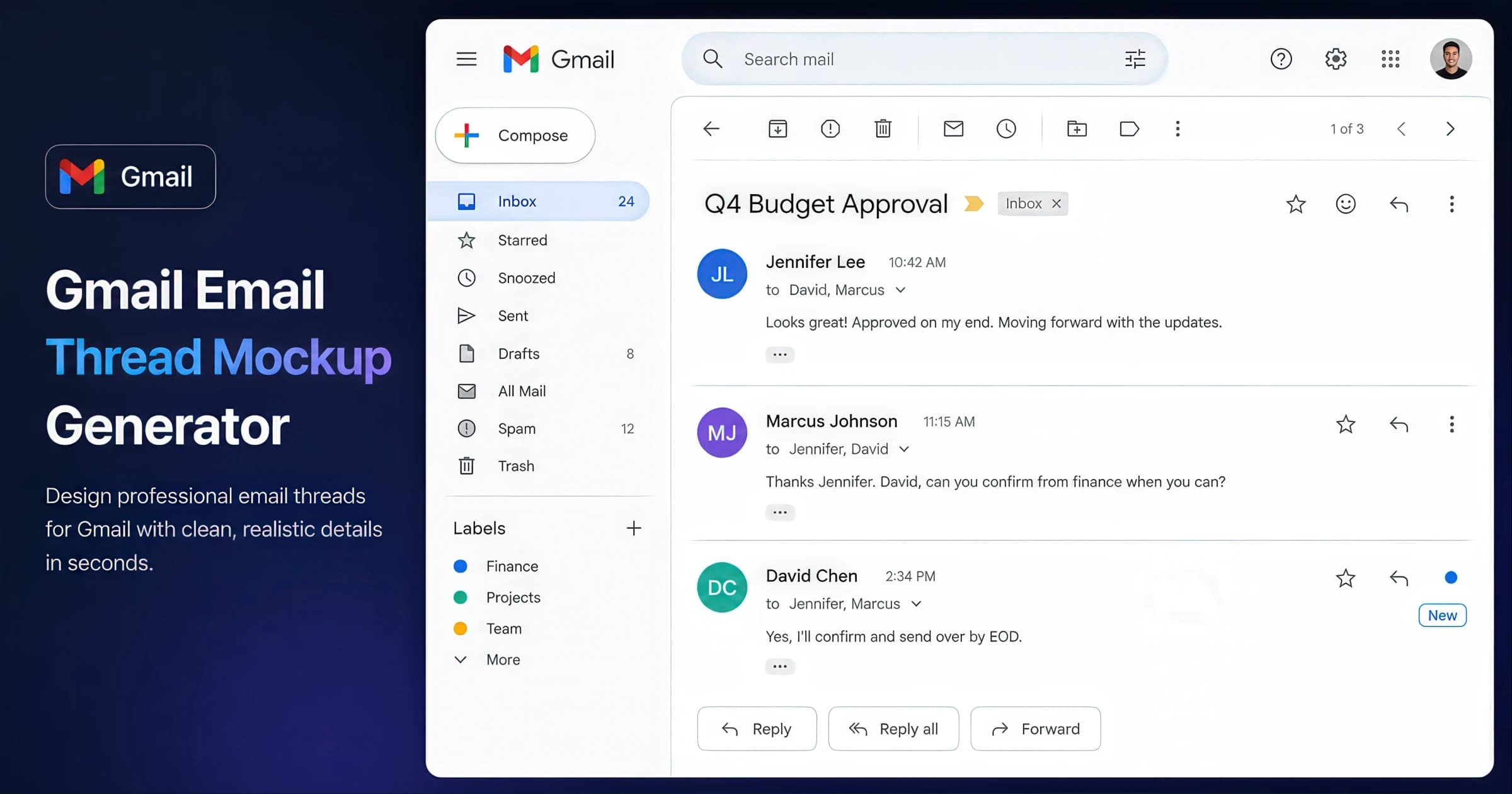
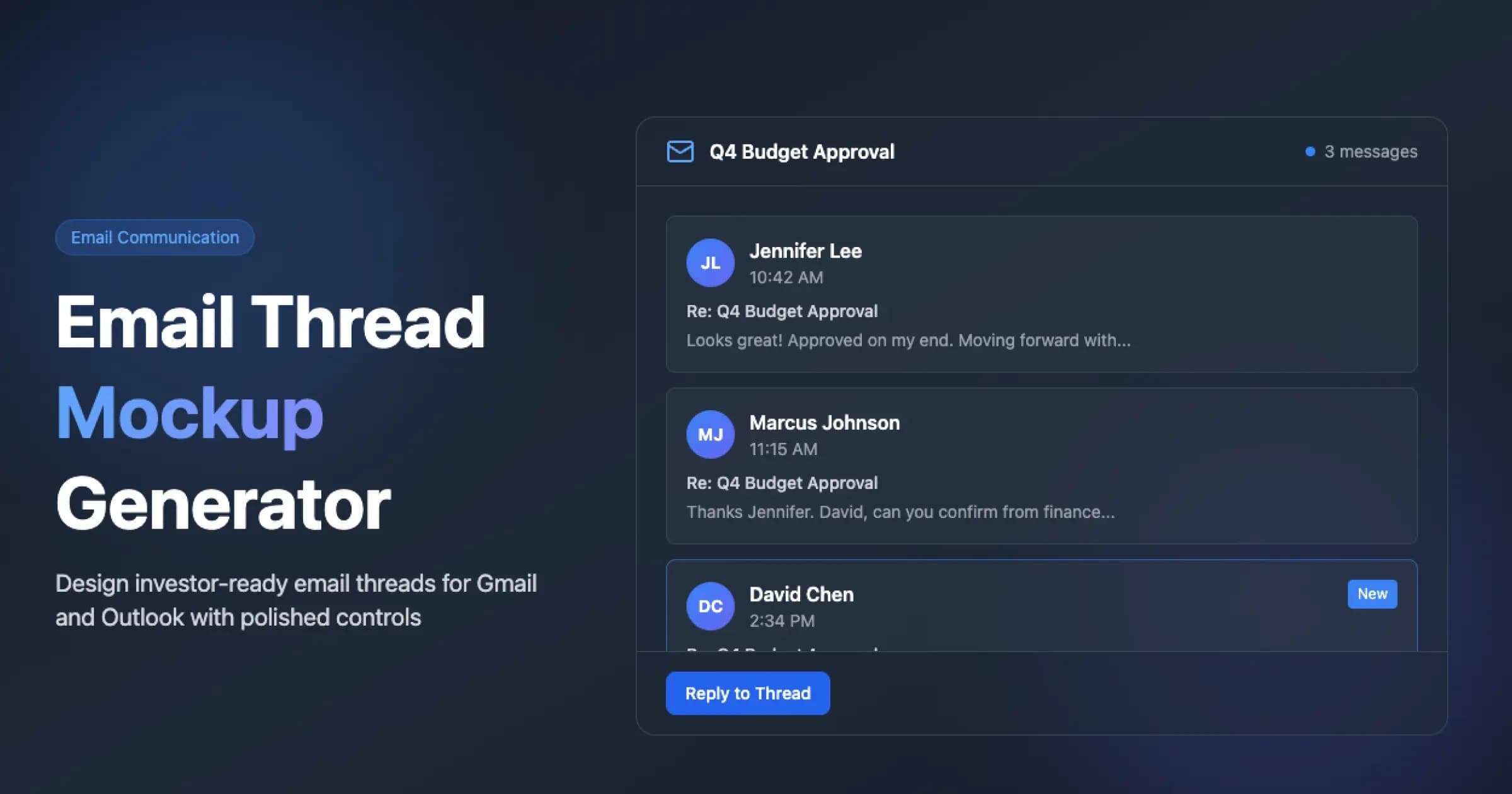
Email Mockup Generator
Create realistic Gmail and Outlook email threads for decks and UI demos. Customize avatars, timestamps, senders, and message bodies, then export a PNG — free, no signup.
Topic Hub
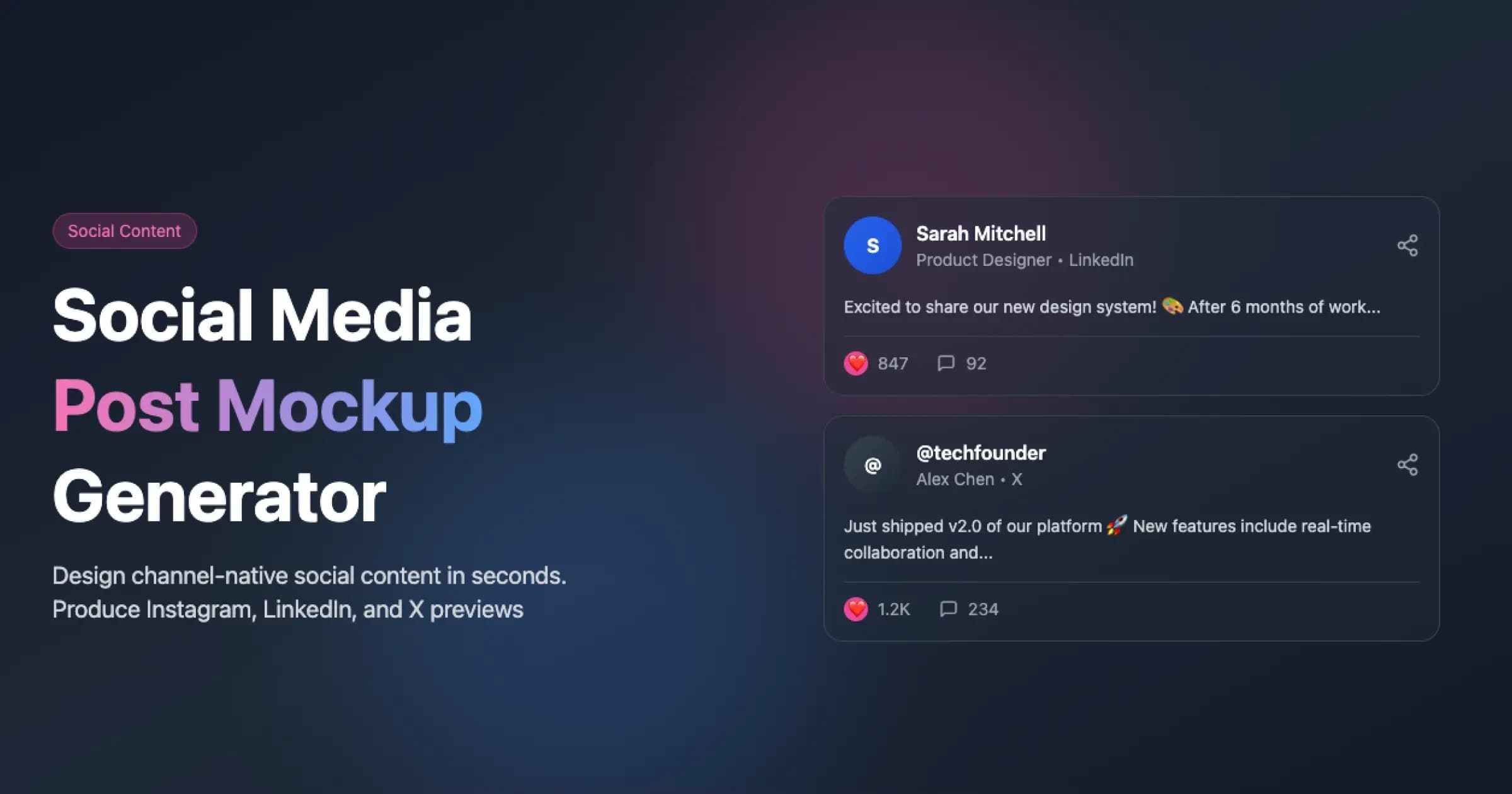
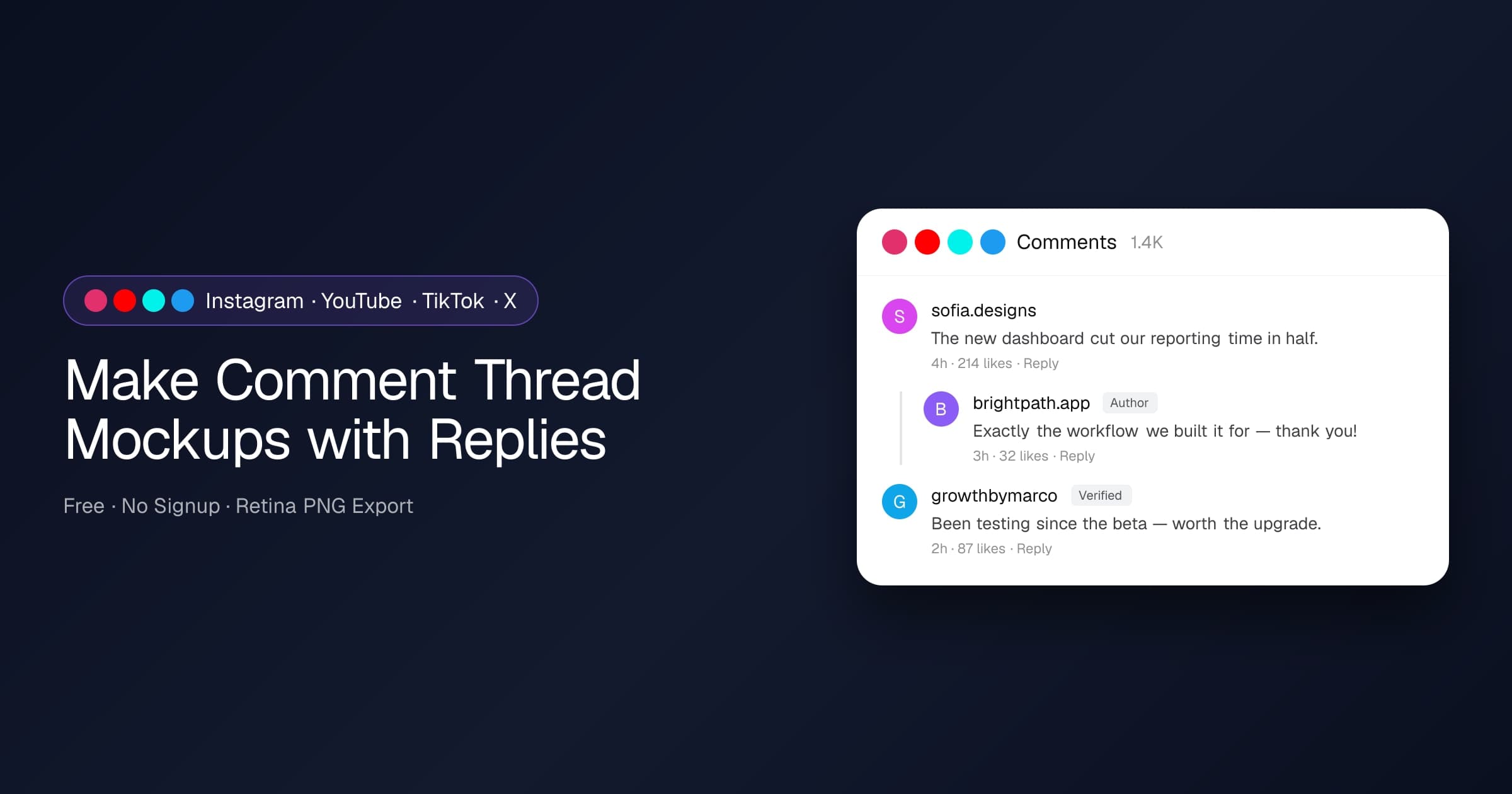
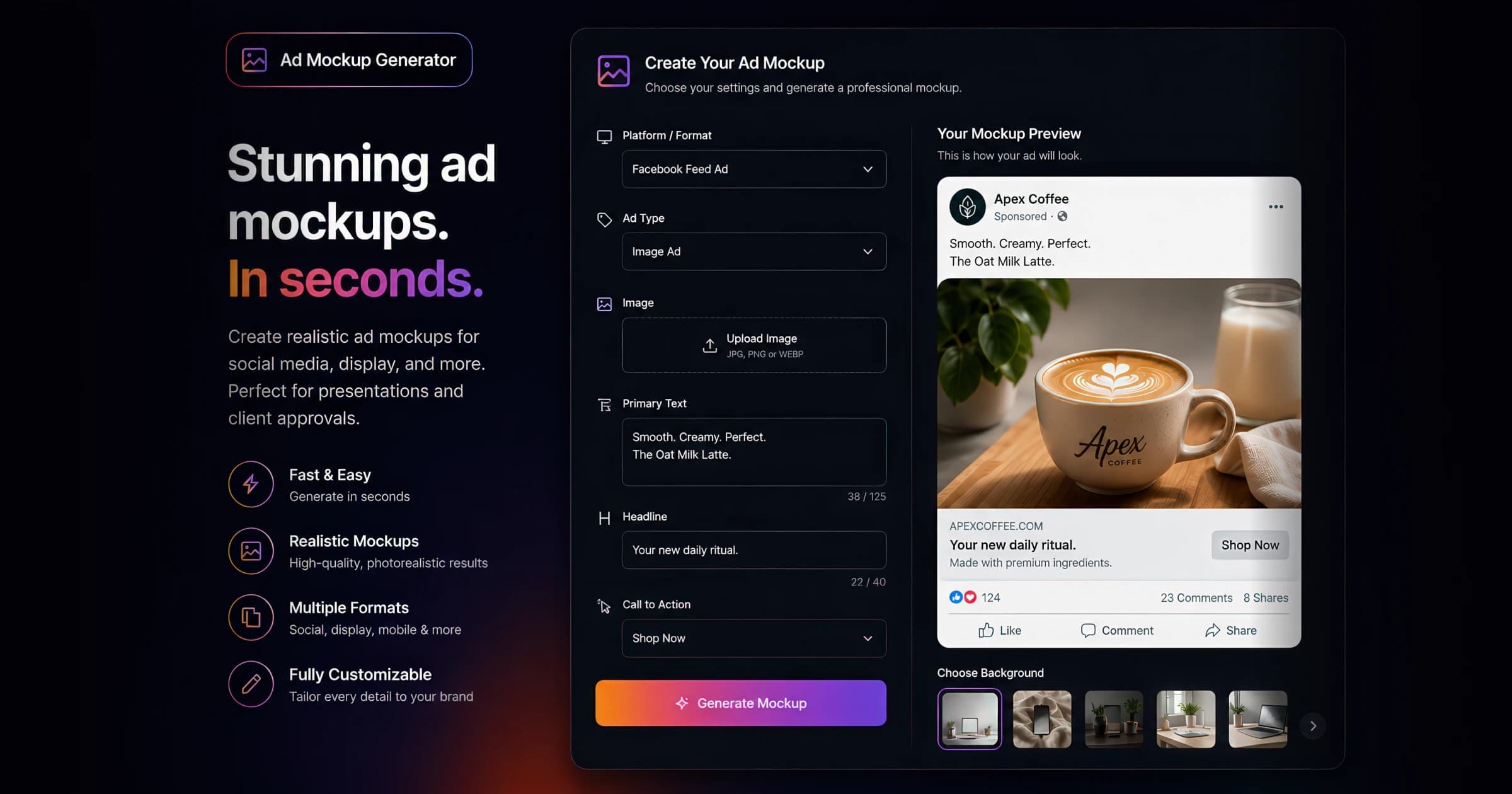
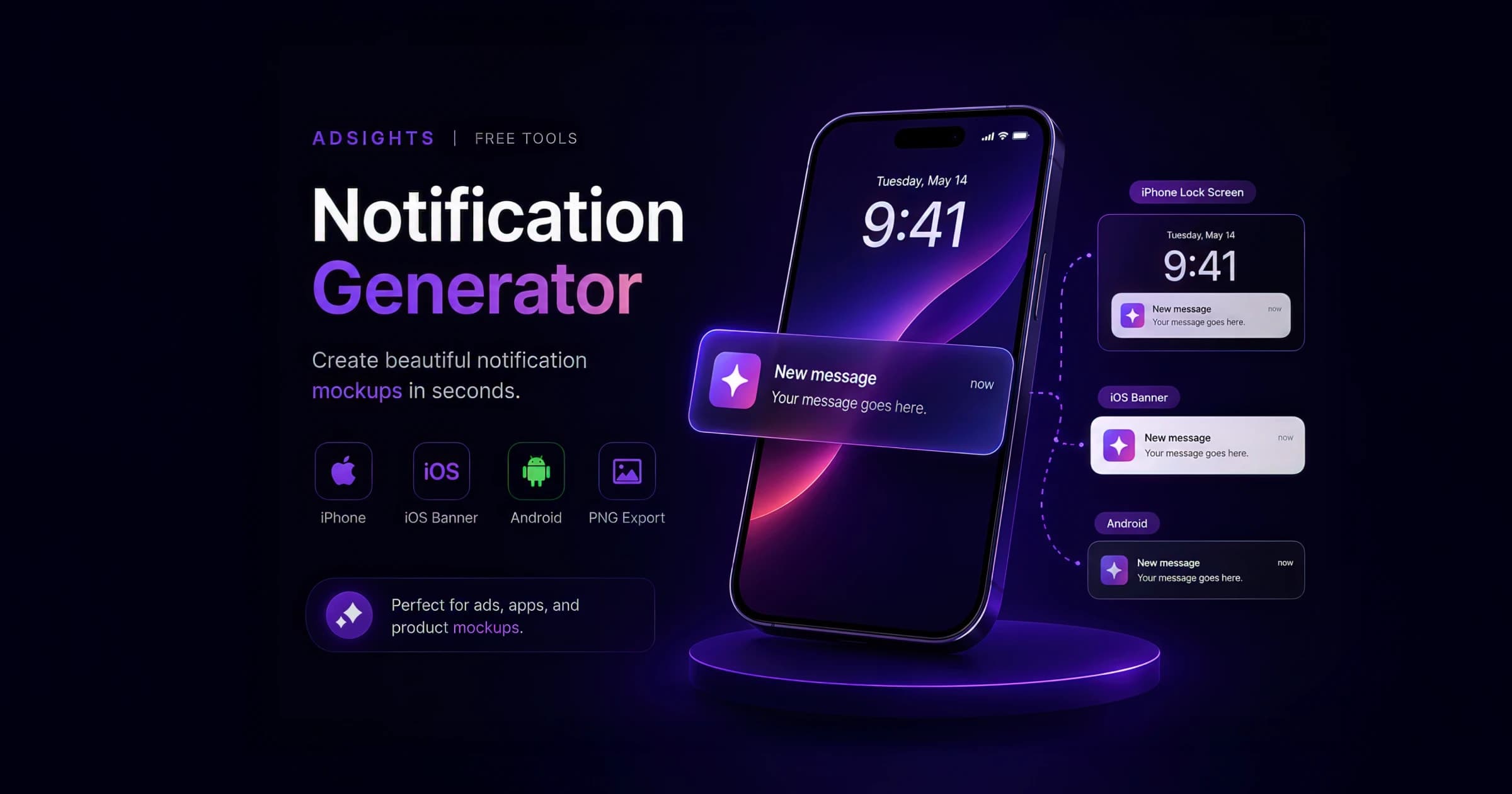
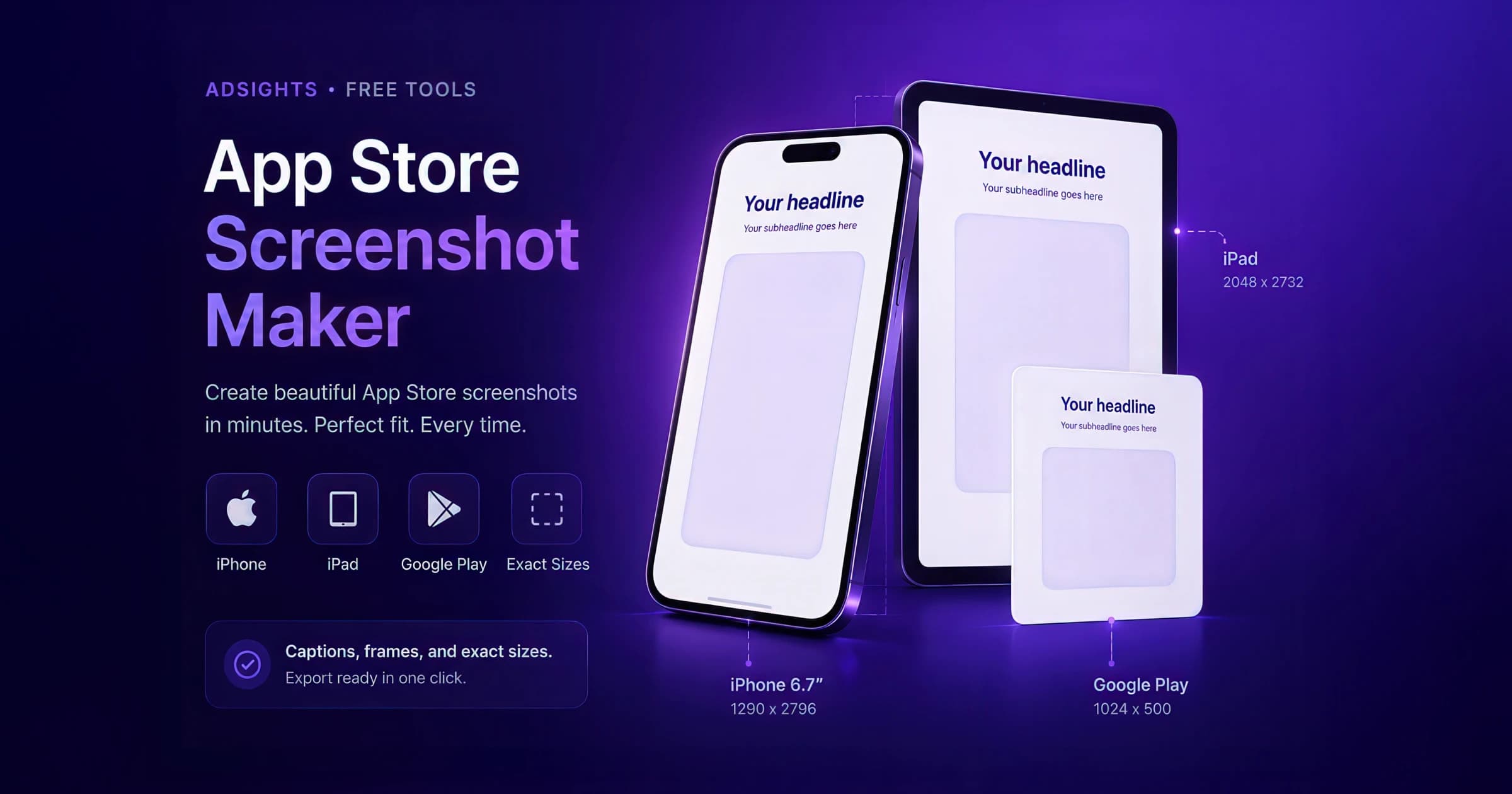
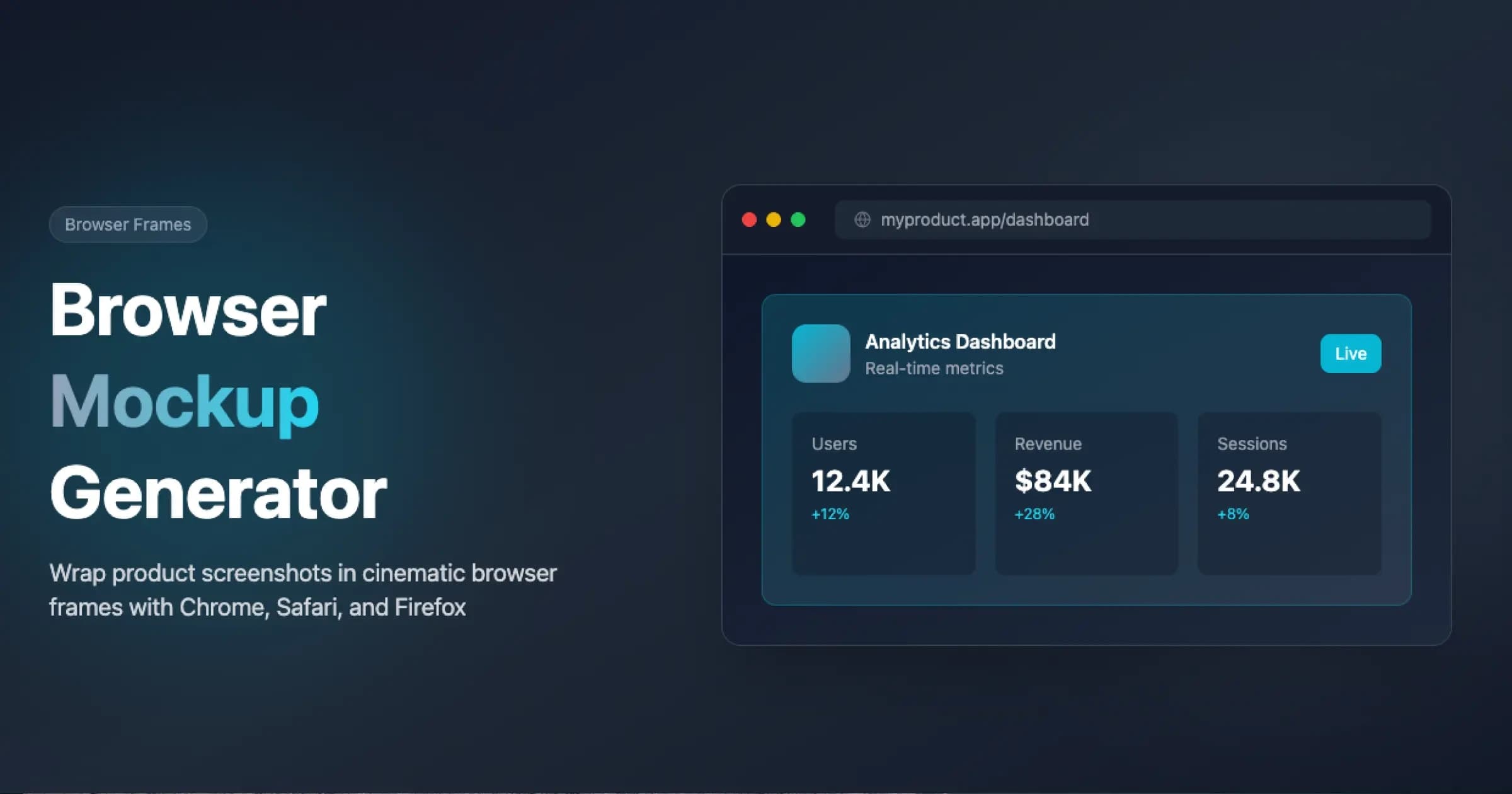
Free mockup generators — chat, email, social, review, ad, and app-store — to build testimonial slides and social-proof creative without a designer.
19 curated resources across metrics, tools, guides, and articles
Core glossary terms, formulas, and benchmark context for this topic.
Psychological principle where people validate decisions through the demonstrated experiences and behaviors of others.
Authentic customer statements sharing specific experiences and results with a product or service.
Ad creative that strategically incorporates authentic customer validation through testimonials, reviews, or social metrics.
Interactive calculators, analyzers, and generators to apply these concepts.
Educational guides and platform specifications.
Deep dives, benchmark reports, and strategic analysis from the AdSights blog.
We built these tools for ourselves because we were tired of firing up Figma for every simple mockup. Figured other marketers might find them useful too.
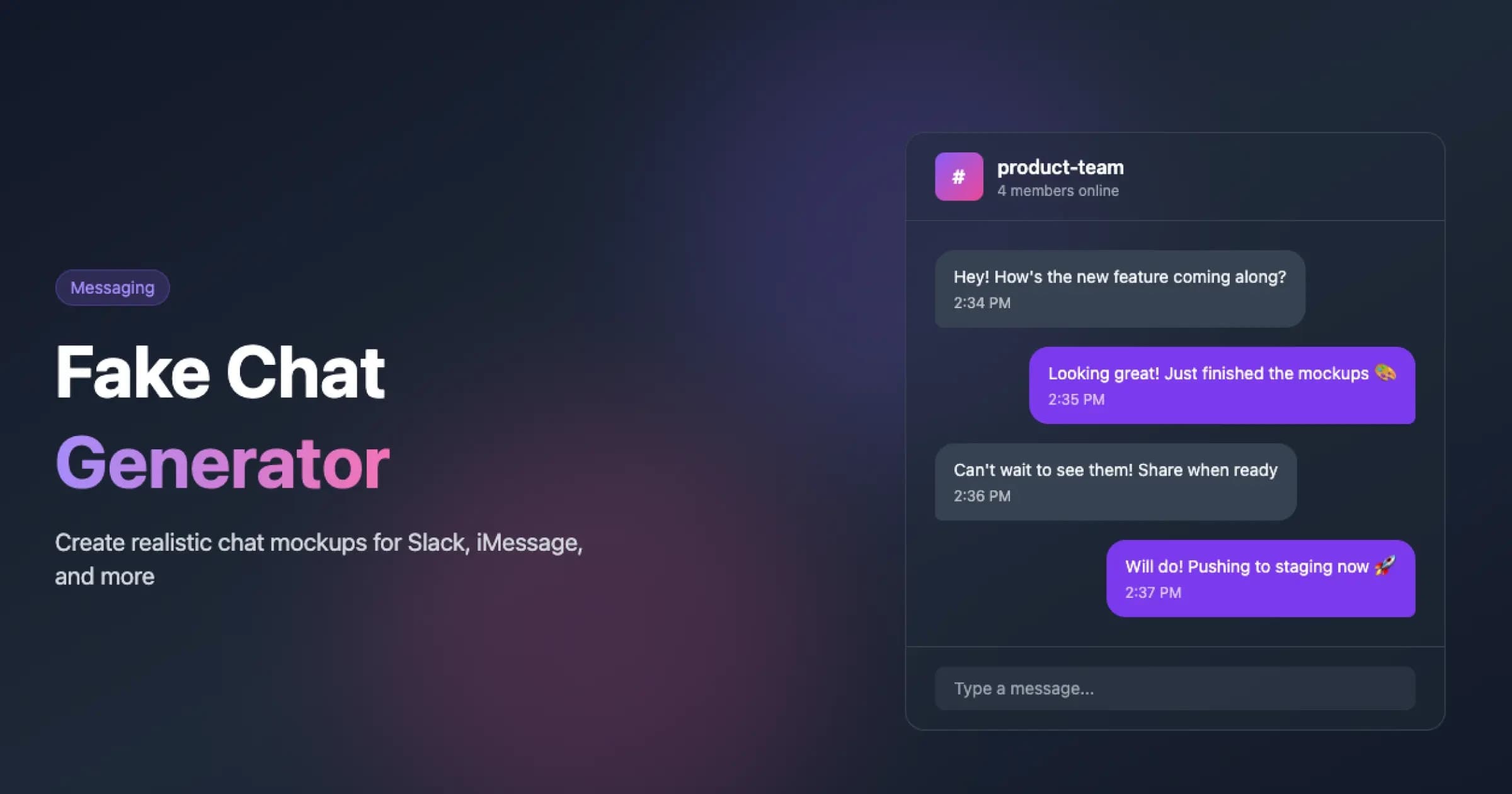
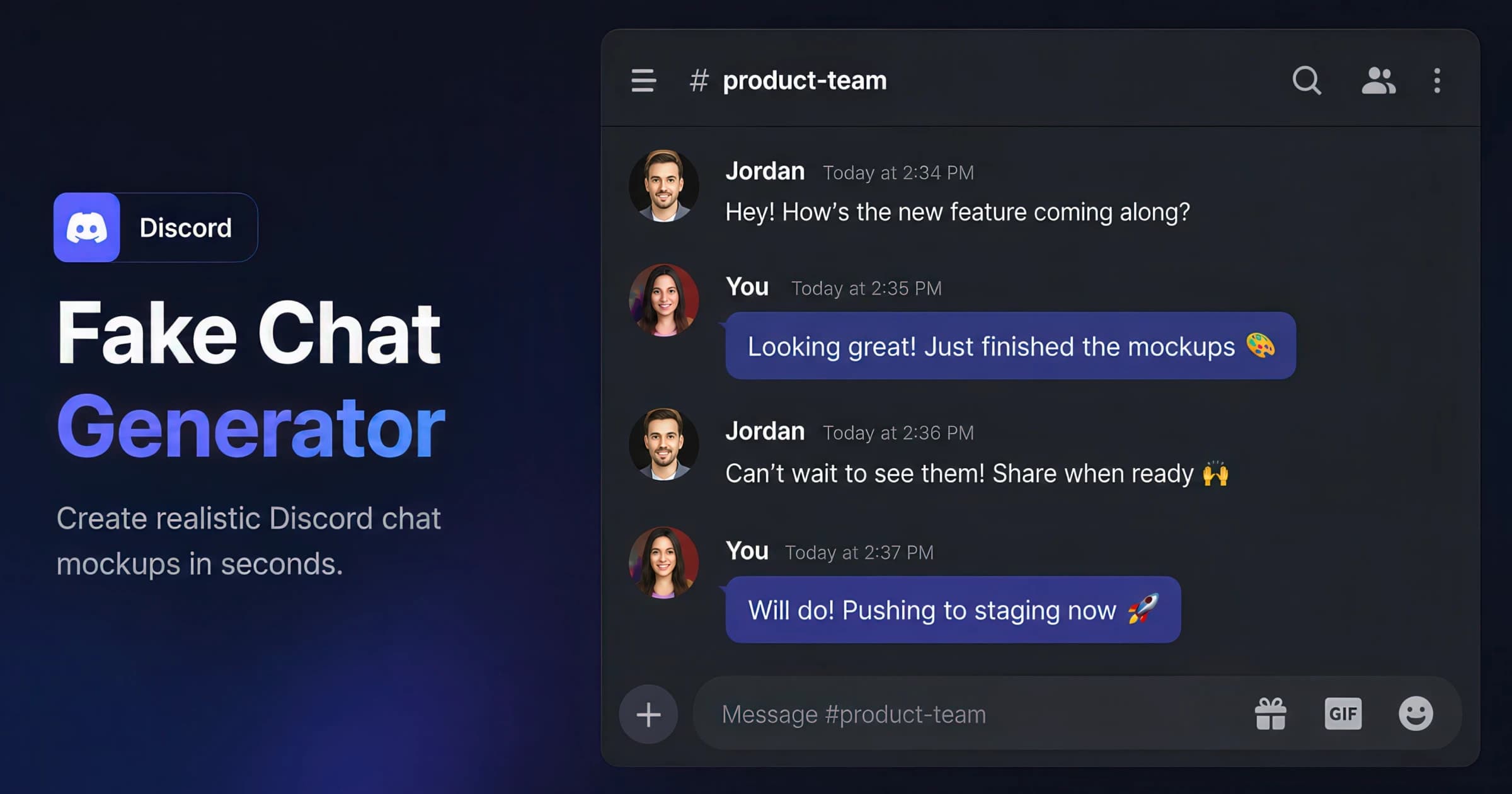
Case-study decks need inbox and chat proof fast. Use free email-thread and fake-chat generators to build Gmail, Outlook, Slack, and iMessage screenshots — no design file required.
Social proof is the cheapest persuasion in marketing — a real customer saying the thing you want a prospect to believe. The hard part is presentation: a raw screenshot is inconsistent, off-brand, or leaks private data, and rebuilding it in a design tool is slow. These generators close that gap by rendering pixel-accurate platform chrome (the exact Slack sidebar, iMessage bubbles, Gmail header, or App Store layout) so you can recreate the moment a deal closed, a feature shipped, or a user raved — and export a retina PNG in a couple of minutes.
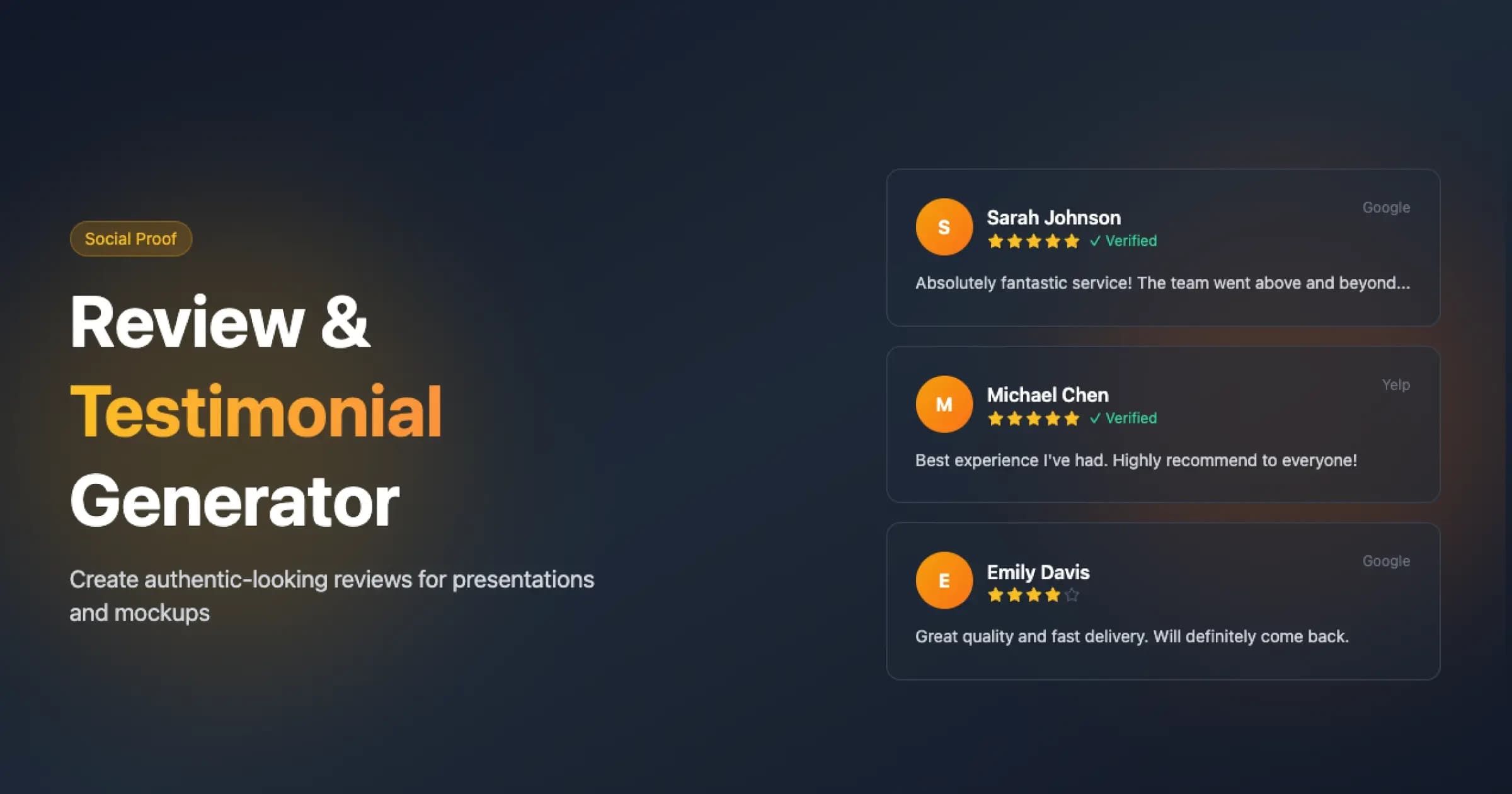
The right tool depends on where the proof lives. B2B wins read best as a Slack or email thread; consumer and mobile social proof lands as iMessage, WhatsApp, or a social post; product credibility shows up as reviews and ratings or App Store screenshots. The Email Thread and Fake Chat generators are the workhorses here — pair an inbox screenshot with a chat testimonial on the same slide for a fuller story — while the Review & Testimonial and Social Post generators cover star-rating and feed-native proof.
Fidelity is the point. A mockup that gets the status bar, timestamp, or compose bar subtly wrong undermines the very trust it is meant to build, so each tool encodes the current platform UI rather than an approximation. Everything renders in your browser (nothing is uploaded), so you can use real names and copy, then redact or fictionalize as needed before the asset ships into a deck, ad, landing page, or launch post.