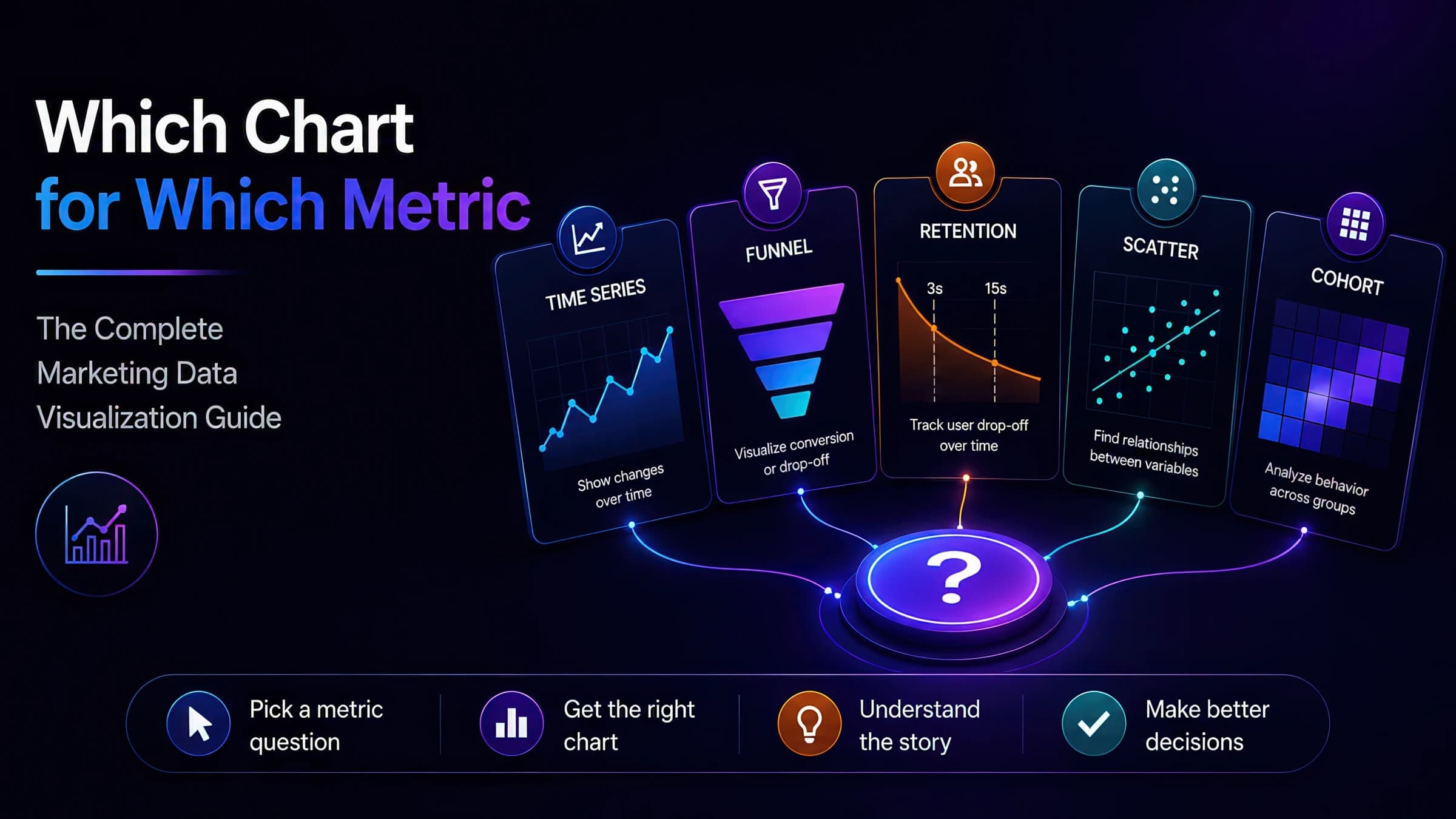
Marketing Data Visualization Quick Reference
Quick-reference guide for choosing the right visualization for marketing data — line vs bar charts, funnel diagrams, cohort curves, and scatter plots. For interactive examples and dashboard mistake demos, see the full blog companion.
Quick takeaway
The wrong chart type hides signal — line charts for categories, pie charts for time series, and dual-axis spaghetti plots are how good data becomes bad decisions. This is the quick reference; explore the interactive blog companion for tabbed chart examples.
Chart Selection Matrix for Marketing Metrics
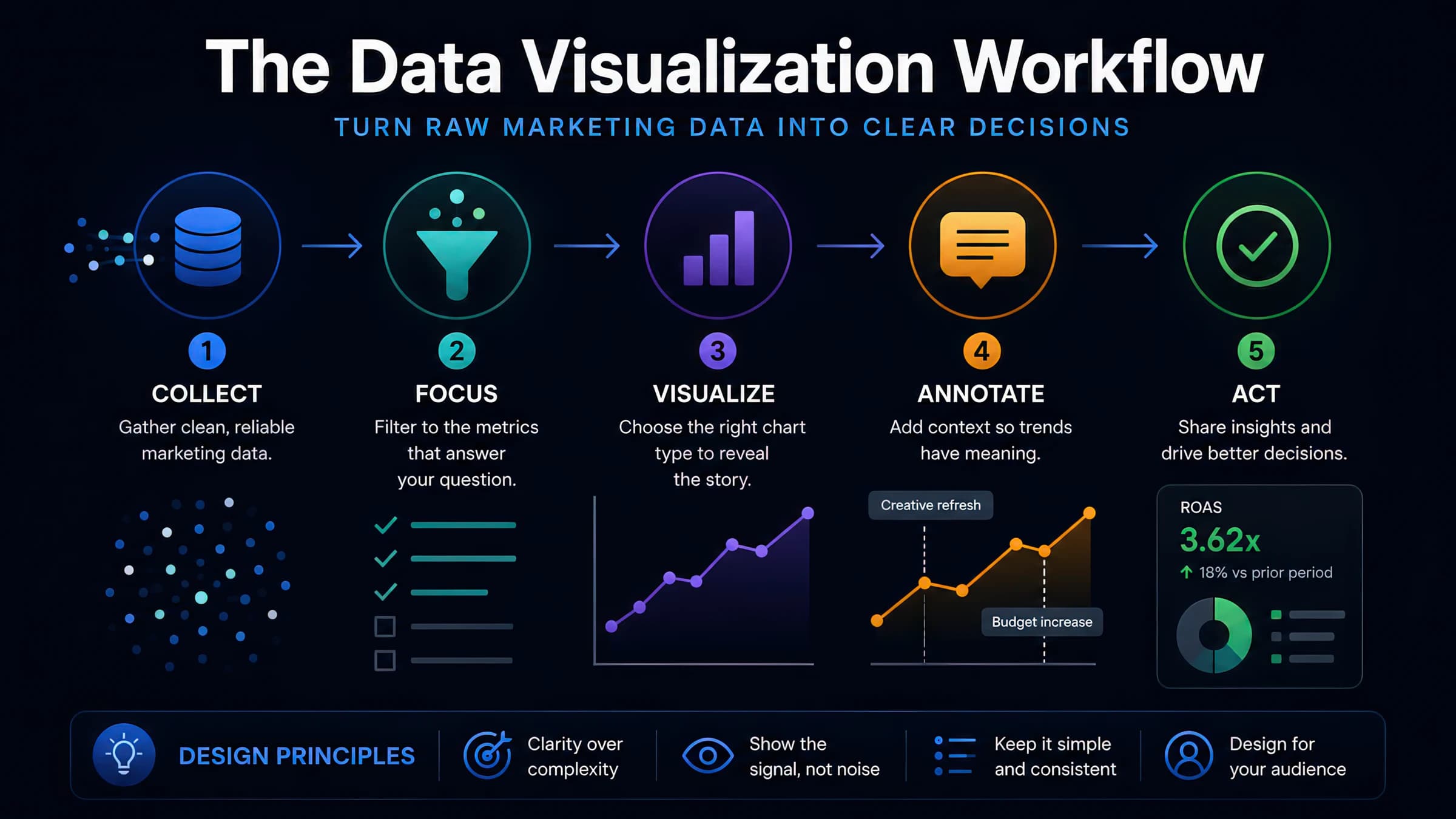
Match the metric question to the visualization type before opening your BI tool.
| Metric question | Best chart | Marketing example |
|---|---|---|
| How did efficiency trend over time? | Line chart | Weekly MER, blended CAC, platform ROAS |
| Which channel/creative wins? | Horizontal bar chart | CPA by channel, thumbstop by variant |
| Where does the funnel leak? | Funnel chart / waterfall | Landing → ATC → purchase drop-off |
| How does retention decay? | Retention curve (line) | Video viewer % at each second |
| What is the spend vs return trade-off? | Scatter plot | Spend (X) vs iROAS (Y) by campaign |
| How do cohorts behave over time? | Cohort heatmap | Month-0 to month-6 repeat purchase rate |
| What share does each channel hold? | Stacked bar (≤5 categories) | Revenue mix by channel |
| Did the test reach significance? | Bar + error bars | Variant CPA with 95% CI |
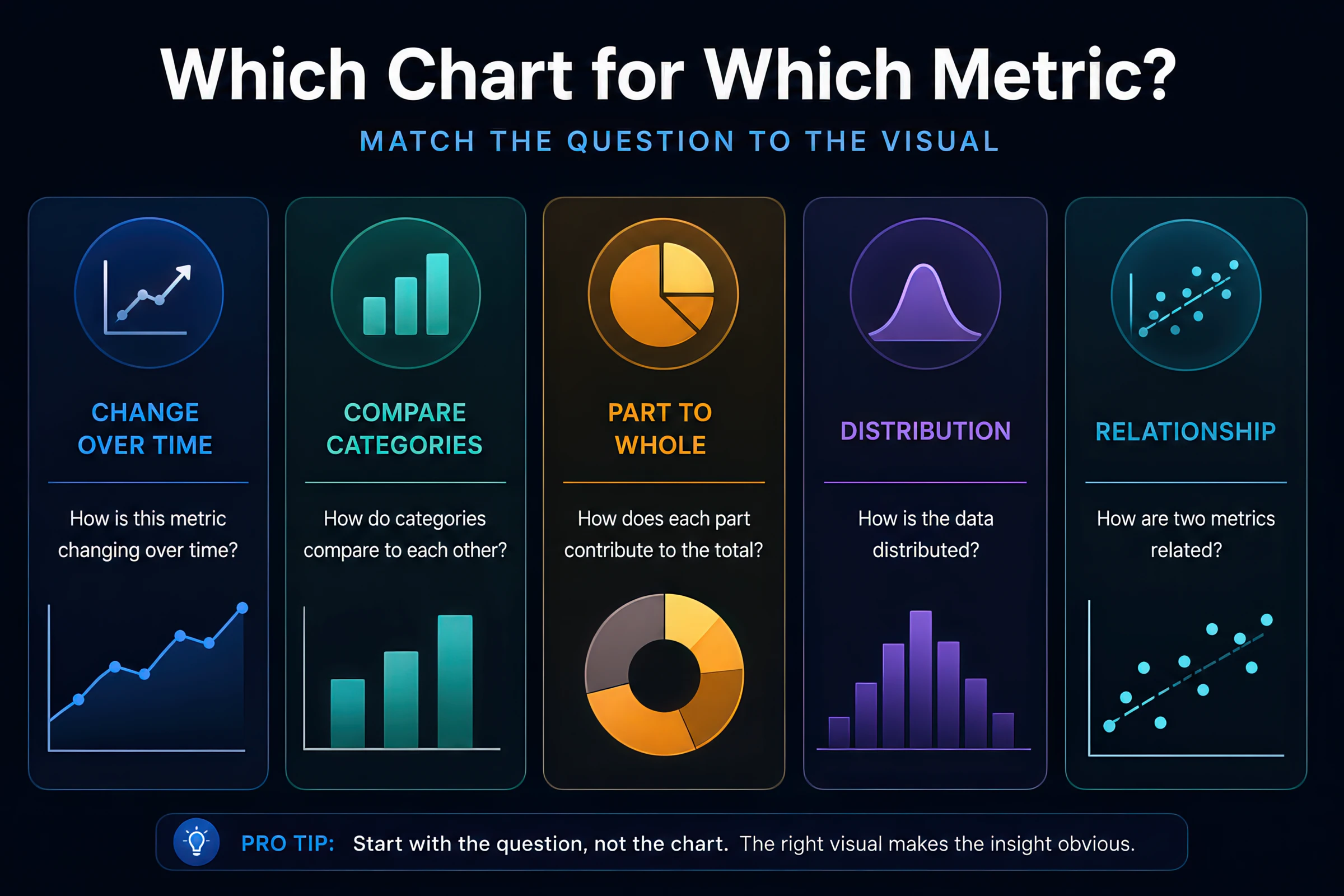
Edward Tufte's principle applies directly to marketing dashboards: maximize data-ink ratio. Every gradient, shadow, and decorative icon reduces the signal your media buyer or CMO can extract in a five-second scan. Cleveland & McGill's ranking of visual perception tasks confirms that position along a common scale (bar length, aligned line position) is decoded more accurately than angle (pie slice) or area (bubble size).
Free Tool
Chart & Graph Mockup Generator
Mock up bar, line, funnel, and scatter charts with realistic styling before building dashboards in your BI tool.
Free Tool
Data Table Generator
Pair chart mockups with styled data tables for executive summaries and creative test readouts.
Time Series: Trends and Annotations
The default chart for weekly business reviews — when done correctly.
Use line charts for: MER, blended CAC, daily spend, impression volume, email revenue, organic traffic.
Rules:
- Start Y-axis at zero for absolute metrics (spend, revenue). Truncated axes exaggerate small swings and cause false alarms.
- For ratio metrics (ROAS, CTR) where the floor is not zero, a truncated axis is acceptable if labeled clearly.
- Annotate events: creative refresh dates, budget reallocation, platform outages, promotional periods.
- Limit to 3–4 lines per chart. More lines create spaghetti that nobody reads.
Common mistake: Plotting platform-reported ROAS and MER on the same chart without noting that MER includes organic revenue — the divergence is expected, not a bug.
Visualizing Creative Performance
Video retention, hook diagnostics, and A/B test reads.
Video retention curve
X-axis: seconds. Y-axis: % of viewers still watching. Mark benchmark lines at 3s (thumbstop), 15s (hold / ThruPlay threshold), and video end (VCR).
Diagnosis patterns:
- Cliff at 0–3s → hook problem
- Plateau then cliff at 12–15s → mid-video pacing issue
- Gradual slope → acceptable for long-form; compare to ThruPlay benchmarks
Creative variant comparison
Grouped bar chart: one cluster per variant, bars for thumbstop, hold, ThruPlay, and CPA. Sort by primary KPI. Include sample size (impressions) in labels — a 45% thumbstop on 800 impressions is not comparable to 32% on 80,000.
Feature-level modeling
When tagging creative features (hook type, format, messenger), use a heatmap: rows = features, columns = metrics, cell color = performance vs account average. This supports the creative feature model approach.
Free Tool
Video Drop-off Calculator
Generate retention curve data and diagnose where viewers leave your video ads.
Funnels and Cohort Charts
Stage conversion and repeat behavior — two different questions, two different charts.
Funnel charts show sequential stage conversion — impressions → clicks → add-to-cart → purchase. Use absolute counts in labels, not just percentages: "2.1% CVR" without volume hides that the top of funnel collapsed.
Cohort charts track groups defined at acquisition time — customers acquired in January vs February — over subsequent periods. Heatmaps (rows = cohort, columns = months since acquisition, color = repeat rate or LTV) reveal retention quality shifts that blended metrics mask.
Do not use a funnel chart for: non-sequential comparisons (channel mix), time trends, or creative variant tests.
Seven Dashboard Mistakes That Hide Signal
Patterns we see in marketing analytics reviews that turn data into noise.
Visualization anti-patterns
Pie charts with 8+ slices
Switch to sorted horizontal bar chart
Line chart with categorical X-axis
Channels are not continuous — use bars
Dual Y-axis without labeled relationship
Use small multiples or annotate correlation intent
Truncated Y-axis on spend/revenue
Makes 3% swings look like crises
Averaging rates without weighting
Average CTR across campaigns ignores impression volume
No annotations on time series
Teams misattribute creative refreshes vs budget changes
Single-metric dashboards without context
ROAS alone without MER, incrementality, or LTV:CAC
Key Takeaways
- Classify the metric question before picking a chart type
- Line = time, bar = categories, funnel = sequential stages, scatter = trade-offs
- Annotate time series with business events
- Pair every efficiency metric with volume and statistical context
Frequently Asked Questions
Related Tools & Guides

Video Retention & Drop-Off Calculator
Analyze audience drop-off and retention to find exactly where viewers stop watching your videos. Works for YouTube, Vimeo, TikTok, and Facebook analytics data.
Hook Rate Benchmark
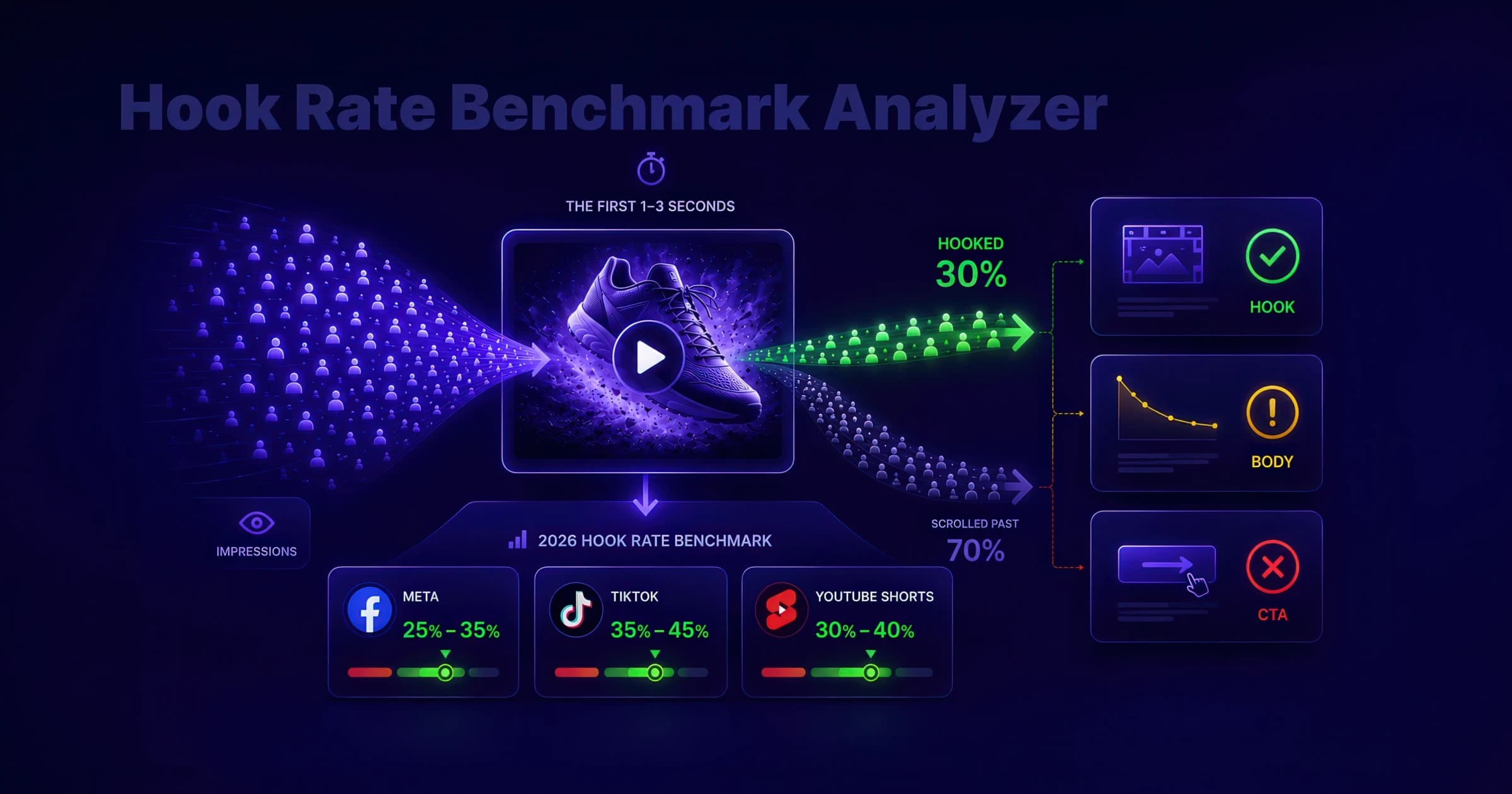
Calculate hook rate (thumbstop rate) for Meta, TikTok, and YouTube Shorts, compare it to 2026 benchmark ranges, and diagnose whether your video ad needs a stronger first frame, tighter body, or clearer CTA.
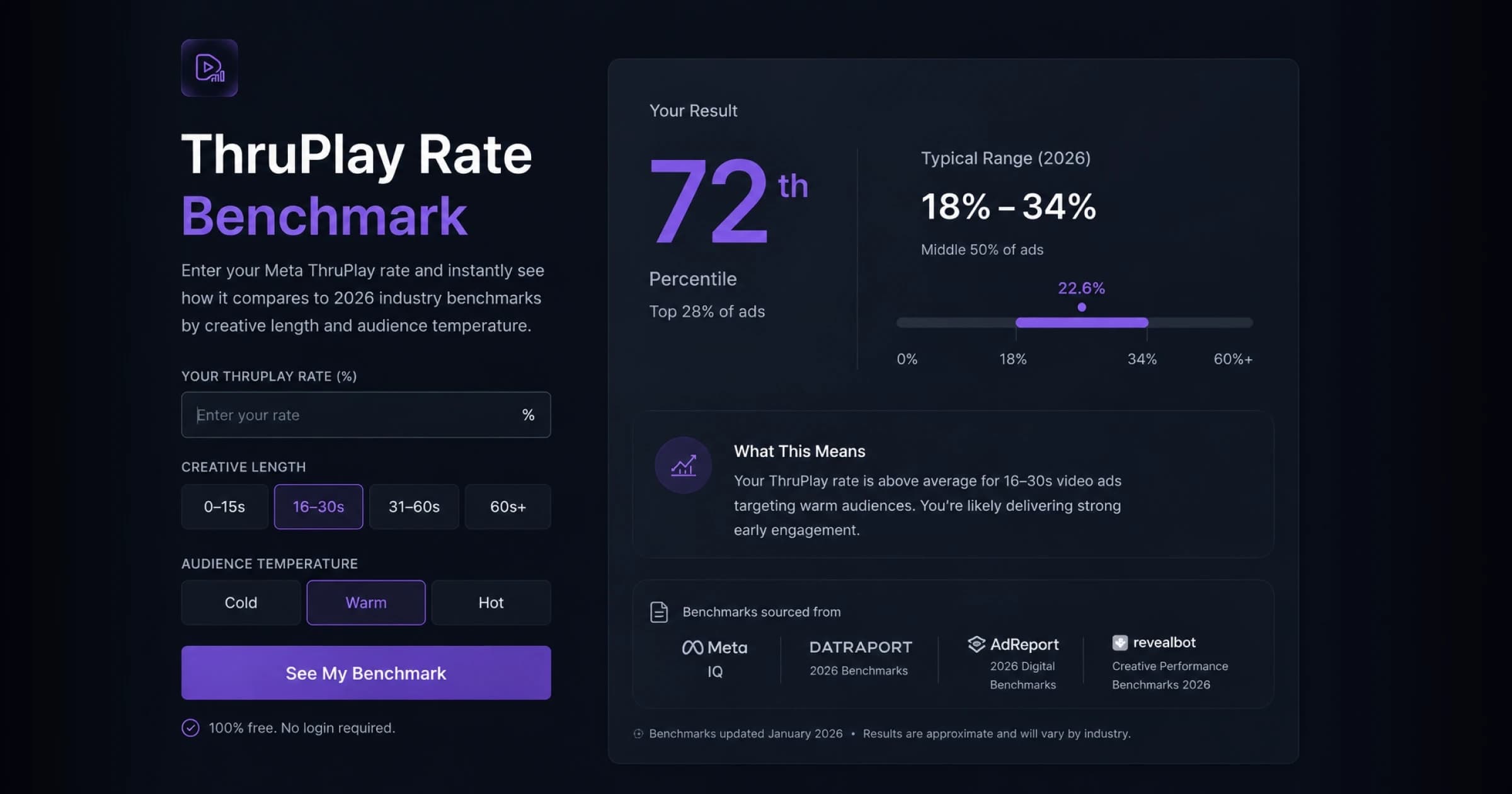
ThruPlay Rate Benchmark
Enter your Meta ThruPlay rate and instantly see how it compares to 2026 industry benchmarks by creative length and audience temperature. Free, no login — see where you land vs the cited typical range, with sources, and what your number means for creative performance.
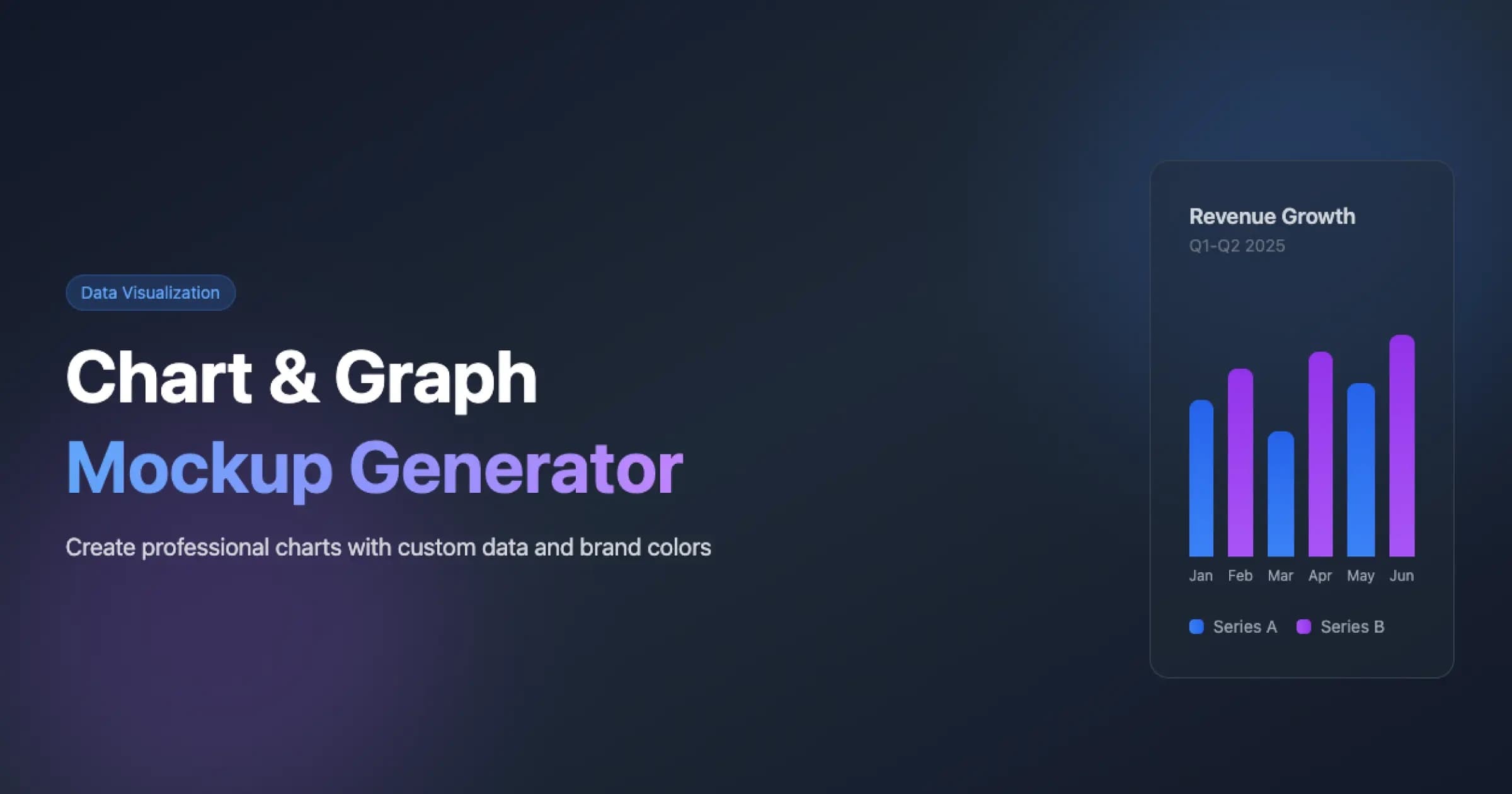
Chart & Graph Mockup Generator
Generate professional chart and graph mockups for marketing presentations, dashboards, business reports, and data storytelling. Easily create customizable bar charts and line graphs with your own data, apply brand colors, and download as high-resolution PNG or scalable SVG for impactful business communication.
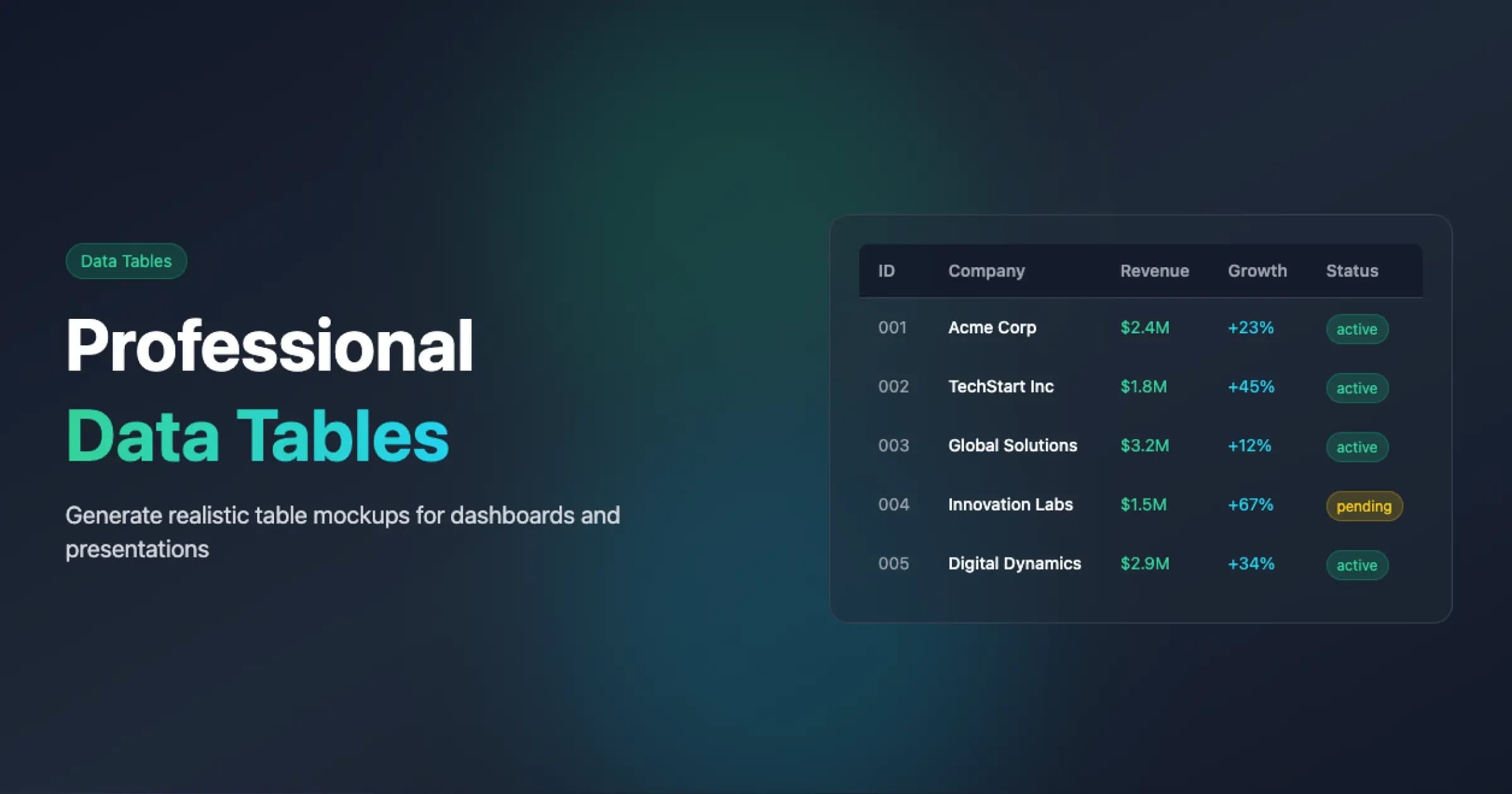
Data Table Generator
Create professional data table mockups and templates with customizable columns, sample data, and export options. Perfect for presentations, marketing materials, dashboards, and design mockups that require clean, structured data visualization. Download the raw data as CSV or the styled table as a PNG deck asset, and preview your design in real time.
