Overview
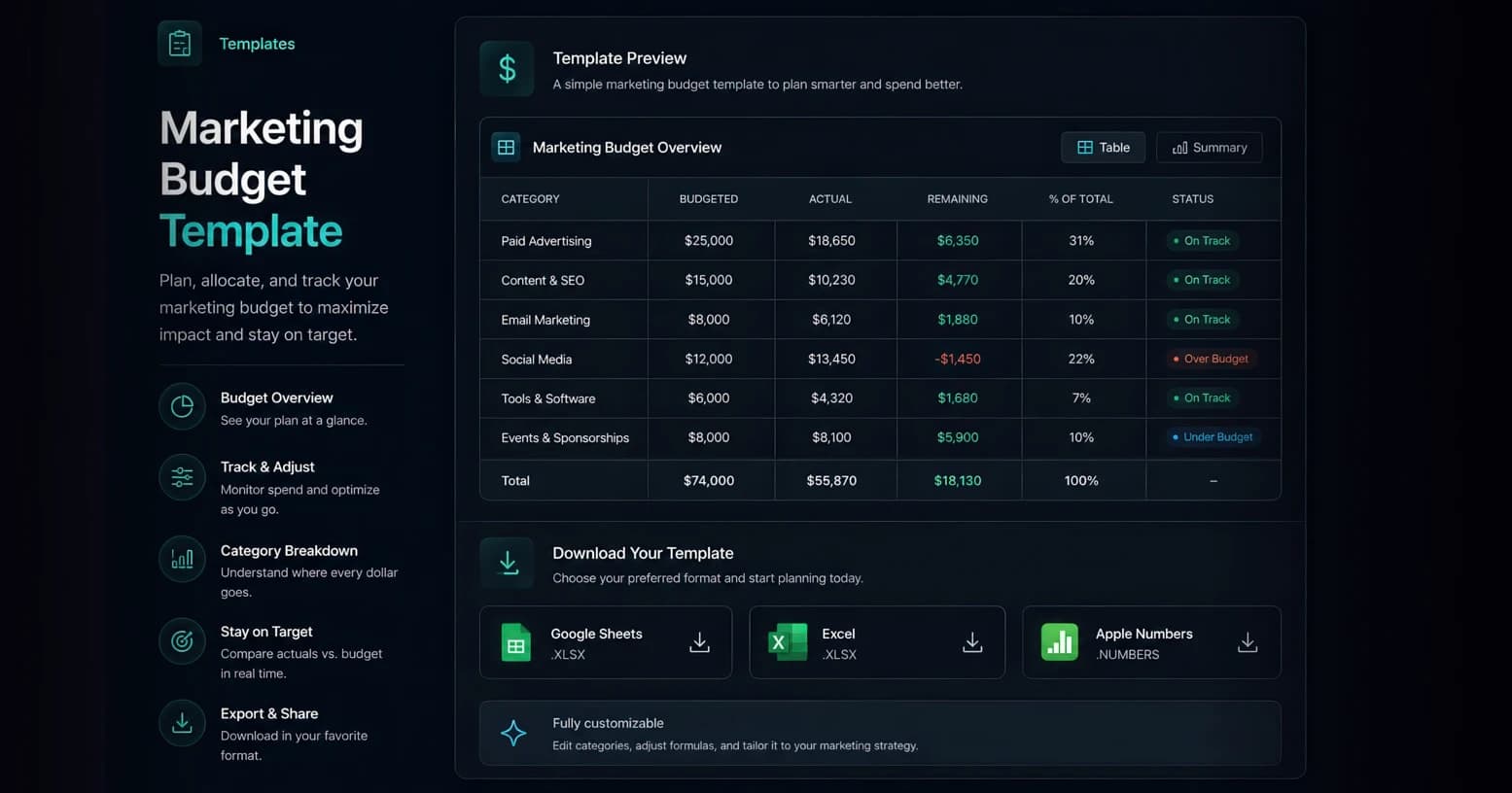
Plan and track your full marketing budget by channel in a single spreadsheet that compares planned spend to actuals, computes variance with live formulas, and gives you a place to track ROAS.
What's Inside
- One row per channel with Planned and Actual spend, plus a live Variance formula (=Planned − Actual).
- A TOTAL row that rolls up Planned, Actual, and Variance with live =SUM formulas — no manual maths.
- Channel rows spanning paid, owned, and earned (Meta, Google, TikTok, LinkedIn, YouTube, email, content/SEO, influencer), plus agency/retainer, tooling, and a creative-testing reserve.
- Performance columns — impressions, clicks, conversions, revenue, CPA, and ROAS — to tie spend to outcomes.
- Imports straight into Google Sheets or Excel; the Variance and TOTAL formulas recalculate as you type.
How to use this template
How to use the marketing budget template:
- Make a copy. Open the CSV in Google Sheets (File → Import) or Excel, then save your own working copy.
- Set Planned per channel. Enter each channel’s planned spend; the TOTAL row rolls them up automatically with a live =SUM formula.
- Allocate by channel. Distribute spend across Meta, Google, TikTok, LinkedIn, YouTube, email, content, and SEO. Start from last period’s mix or a top-down split (e.g. 60% paid, 25% content, 15% tooling/agency).
- Phase it (optional). For monthly phasing, divide a channel’s planned budget across the months, or use the companion Marketing Budget Calculator’s monthly view.
- Log actuals weekly. As spend lands, fill the Actual column. The live Variance formula (Planned − Actual) flags any channel running hot or underspending.
- Track performance. Add impressions, conversions, revenue, CPA, and ROAS per channel so budget decisions are tied to outcomes, not guesses.
- Rebalance monthly. Shift budget from underperforming channels to your best ROAS lines, and update planned numbers as you learn.
Pro tips
- Budget vs. actuals: Update actuals at least weekly — pacing drift is cheapest to fix early in the month.
- Hold a test reserve: Carve out 10–15% as a testing line so new channels and creative don’t cannibalise proven budget.
- Tie spend to ROAS: Rank channels by ROAS each month and move marginal budget toward the top of the list.
- Separate working vs. non-working: Split media (working) from agency, tooling, and production (non-working) so leadership sees true media efficiency.
Example uses
Ecommerce DTC brand — $250k/yr
Heavy paid-social allocation (Meta + TikTok) with seasonal Q4 weighting, a 12% creative-testing reserve, and ROAS tracked per channel.
B2B SaaS — $1.2M/yr
Balanced across Google Search, LinkedIn, content, and events, tracked on CPA and pipeline rather than last-click ROAS.
Works with
Google SheetsMicrosoft ExcelApple Numbers
