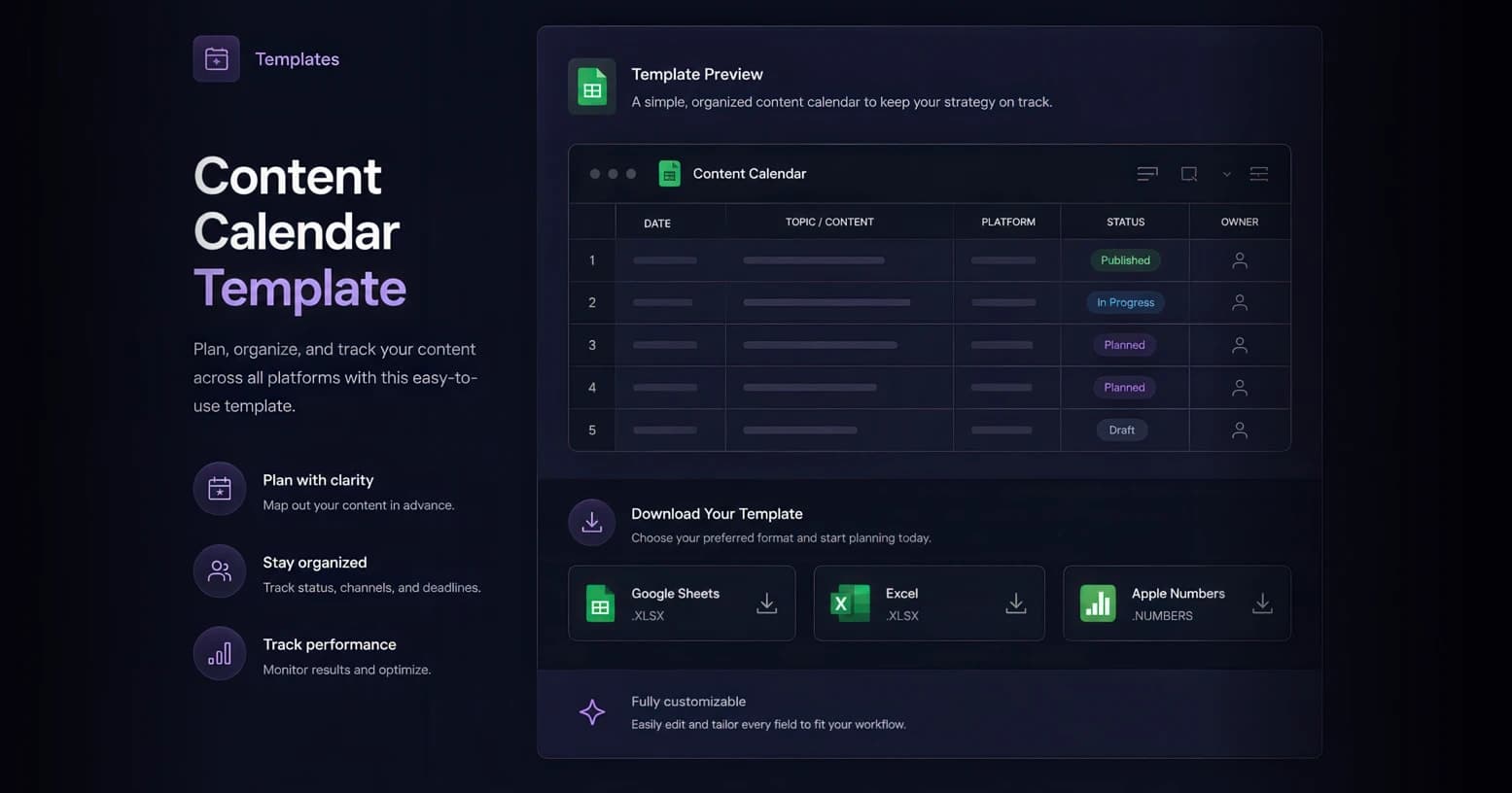
Overview
Plan a month or quarter of content across every channel in one place — track each piece from idea to published, assign owners and due dates, and log how it performed.
What's Inside
- Publish date and time, plus the channel (Instagram, TikTok, LinkedIn, X, YouTube, blog, email, etc.).
- Content type/format (Reel, carousel, short, long-form, story, newsletter) and the campaign or theme it supports.
- Status pipeline: Idea → Drafting → In Review → Scheduled → Published.
- Owner, copy/caption, hashtags, CTA, and a link to the creative asset.
- Post-publish performance columns: reach, engagement, clicks, and conversions.
How to use this template
How to use the content calendar template:
- Make a copy. Import the CSV into Google Sheets (File → Import) or open it in Excel, then save your own copy.
- Set your cadence. Decide how many posts per channel per week and block the publish dates accordingly.
- Map campaigns and themes. Add your launches, promotions, and content pillars so every post ladders up to a goal.
- Fill the pipeline. For each row, set the status (Idea → Drafting → In Review → Scheduled → Published), assign an owner, and add the copy, hashtags, CTA, and asset link.
- Schedule. Use the date/time and channel columns to batch-schedule in your social tool, or publish manually.
- Log performance. After posting, record reach, engagement, clicks, and conversions so you can double down on what works.
- Review monthly. Sort by performance, retire weak formats, and plan the next month from what your audience actually engaged with.
Pro tips
- Batch by pillar: Plan around 3–5 content pillars so your feed stays on-brand and you’re never staring at a blank calendar.
- Repurpose deliberately: Turn one long-form asset into a week of shorts, carousels, and quotes — track the variants as separate rows.
- Protect a buffer: Stay 2–3 weeks ahead so a delayed asset never forces a gap in your schedule.
- Tag the campaign: Use the campaign column consistently so you can filter performance by launch or theme later.
Example uses
DTC brand — multi-channel weekly
Instagram + TikTok + email on a weekly cadence, organised around product drops and UGC pillars, with engagement tracked per post.
B2B — thought leadership
LinkedIn + blog + newsletter planned around quarterly themes, tracked on clicks and demo requests instead of likes.
Works with
Google SheetsMicrosoft ExcelApple Numbers
